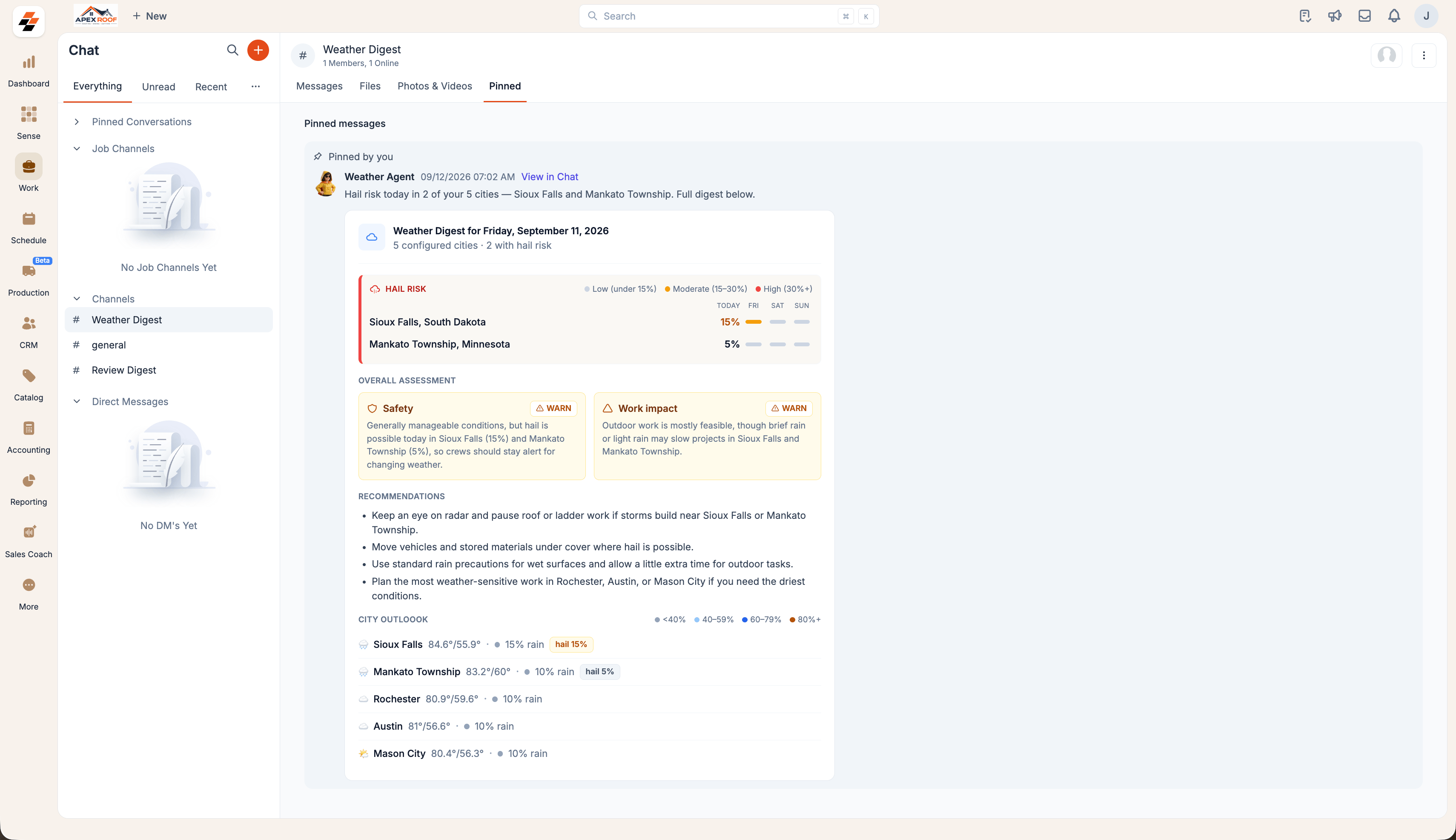
Navigation: Sense -> Agent Studio -> Marketplace
Note: Only admins can set up an agent.
Set up the Weather Agent
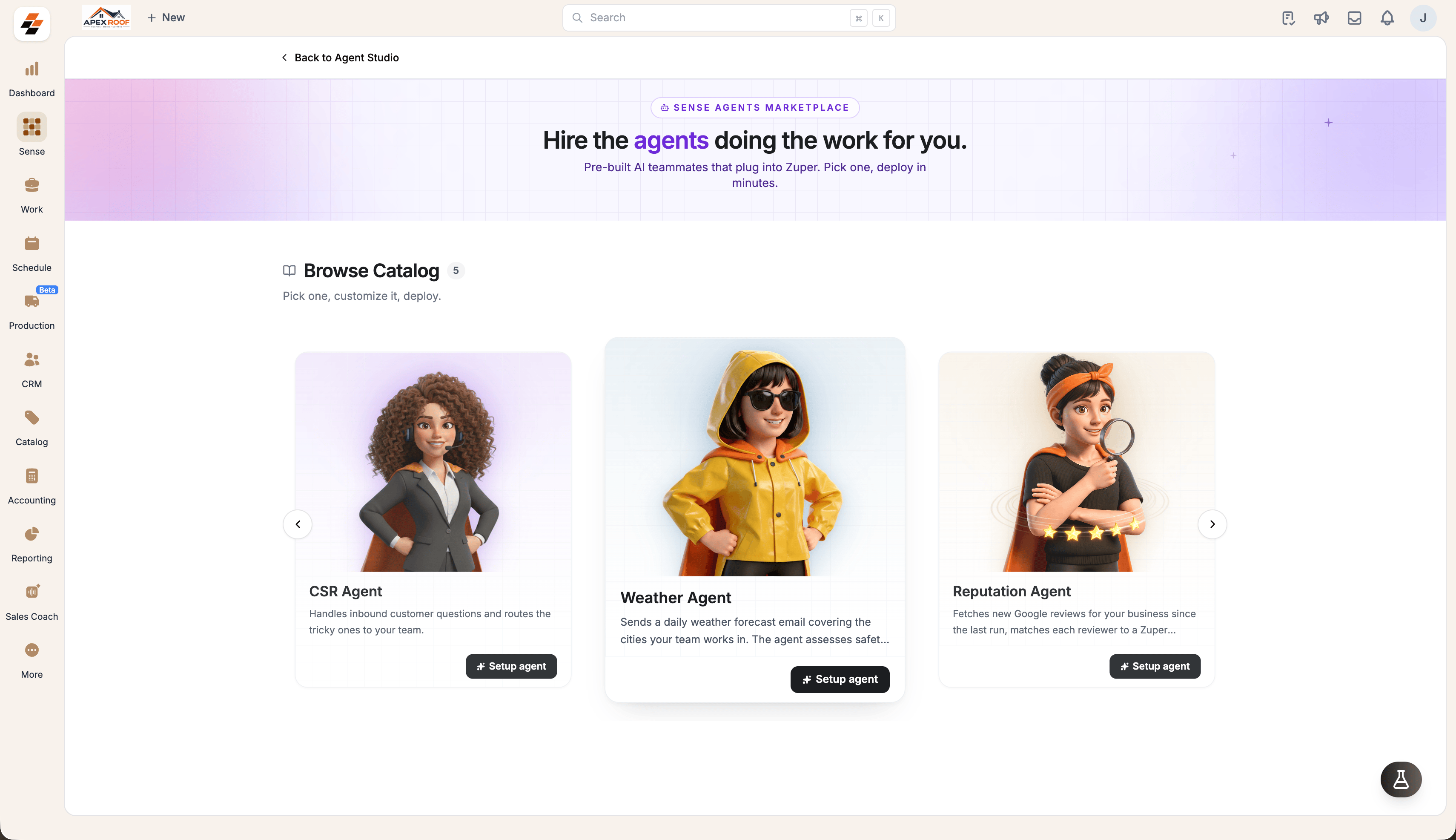
- Open Sense from the left navigation, then select Agent Studio.
- Select Marketplace and find Weather Agent.
- Select Setup agent.
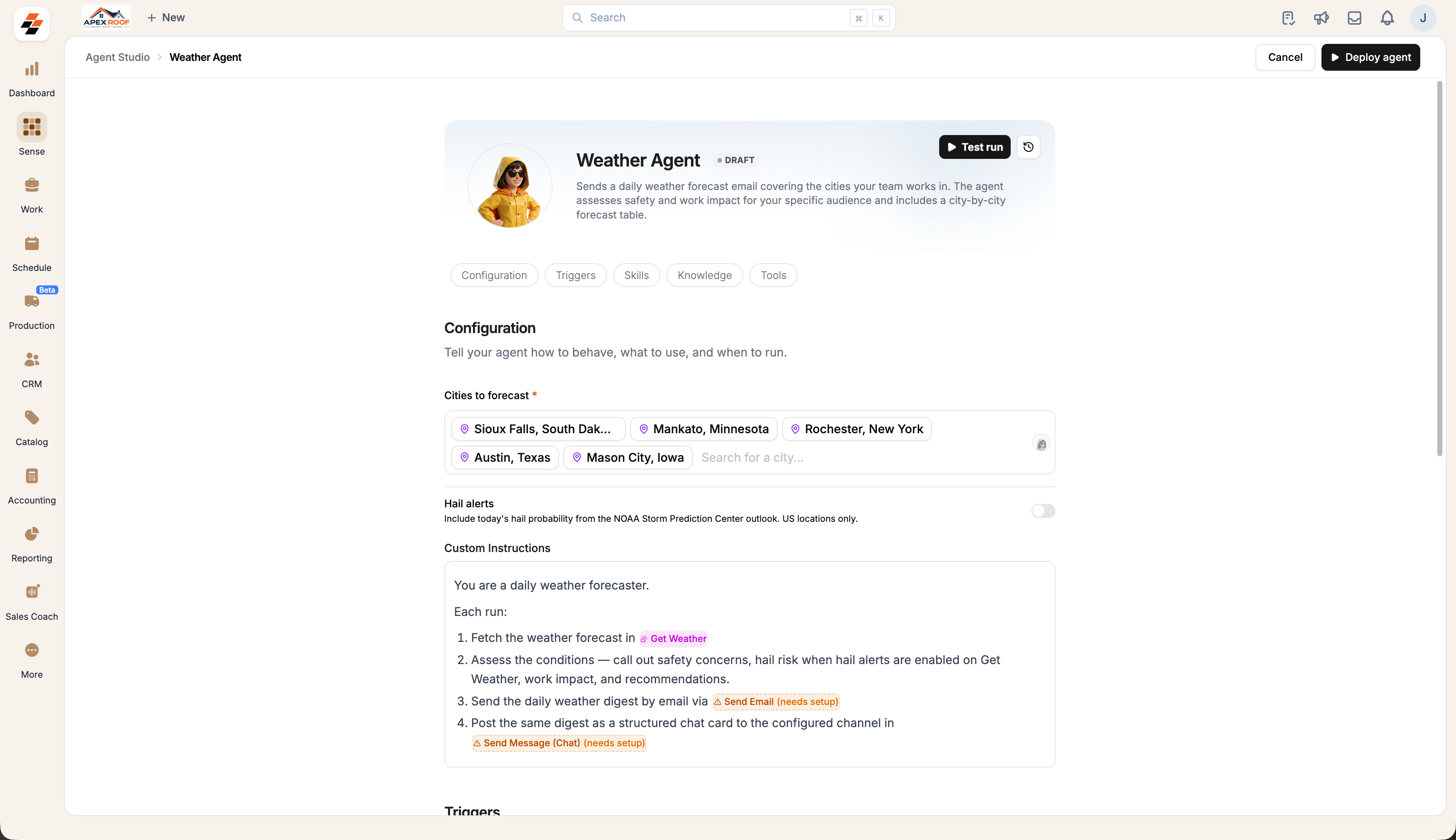
- Add every city your crews work in under Cities to forecast.
- Turn on Hail alerts if you want today’s hail probability included.
- Add anything you want to change about the digest under Custom Instructions, or leave it as it is.
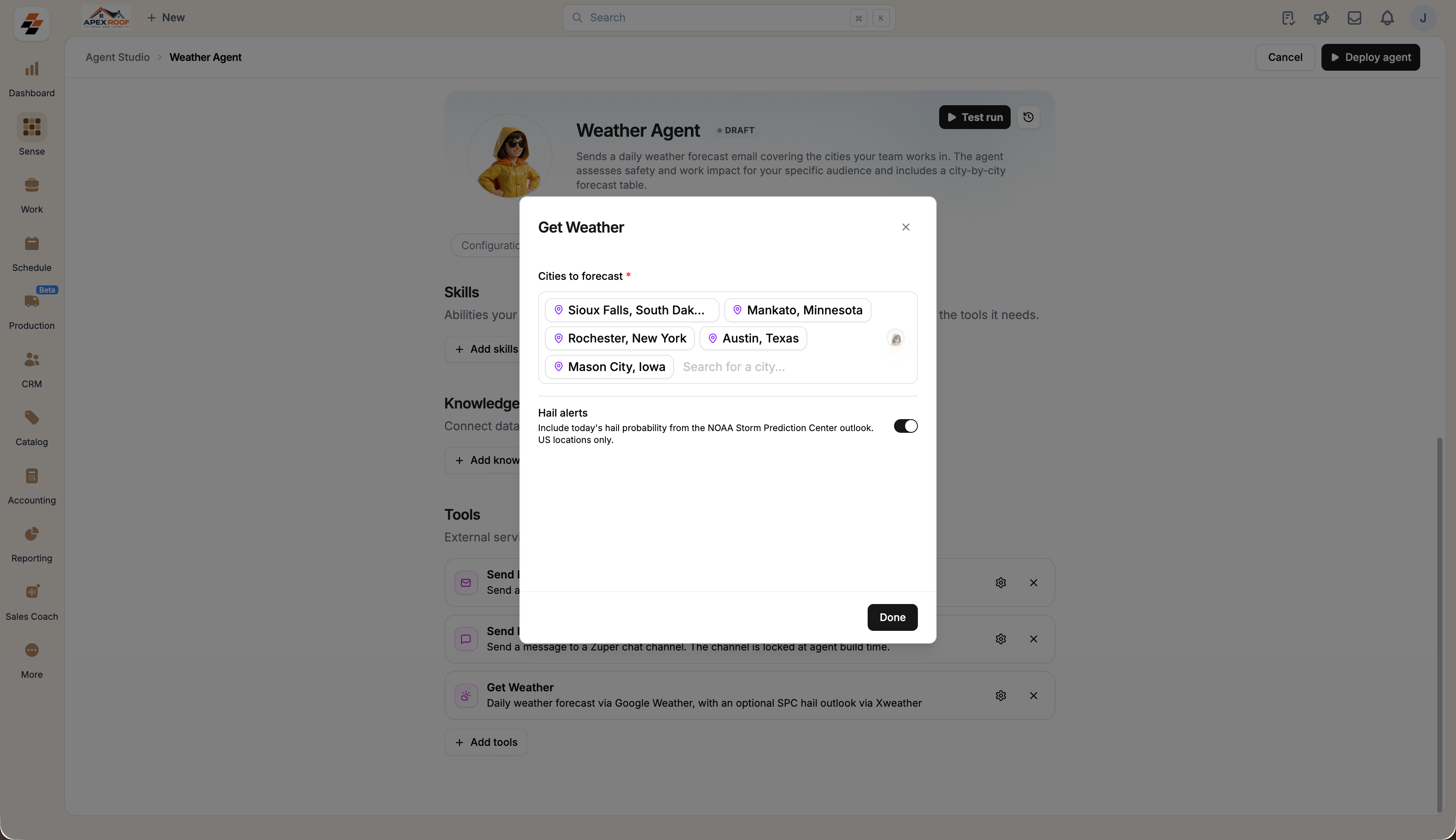
New Hail alerts adds hail probability from the NOAA Storm Prediction Center outlook. US locations only.
Choose where the digest goes
Under Tools, set one route or both:- Send Email: Select Configure and enter the address the digest goes to.
- Send Message (Chat): Select Configure and name the Zuper Chatchannel the digest is posted to.
- Get Weather: Select Configure to change the cities or the Hail alerts setting later.
The digest in Zuper Chat is available on the web app only.
Set the daily time
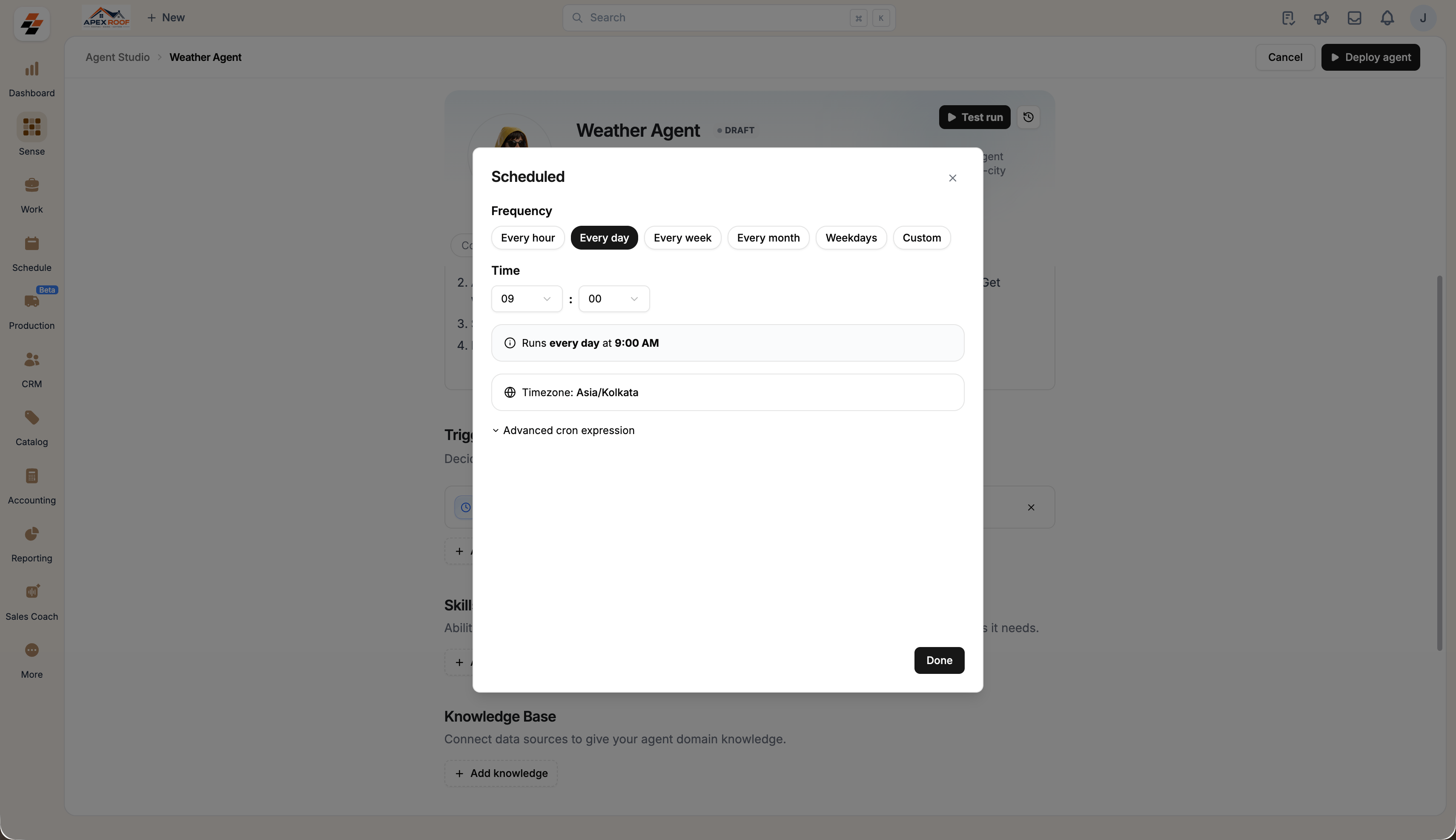
- Open the Triggers section and select the Scheduled trigger.
- Choose Every day and set the time the digest should go out.
- Check the timezone shown below the time, then select Done.
- Select Deploy agent.
What your team receives
Each run fetches the forecast for every configured city and produces one digest containing:- An overall safety and work impact assessment is flagged when conditions need attention.
- Recommendations for the day, written for crews working outdoors.
- A city-by-city outlook, with hail probability where Hail alerts are on.