

Navigation: Sense -> Agent Studio -> Marketplace
Browse the catalog
- Open Sense from the left navigation, then select Agent Studio.
- Select Marketplace in the left panel, or Browse marketplace on the My agents page.
- Use Search agents or the carousel arrows to move through Browse Catalog.
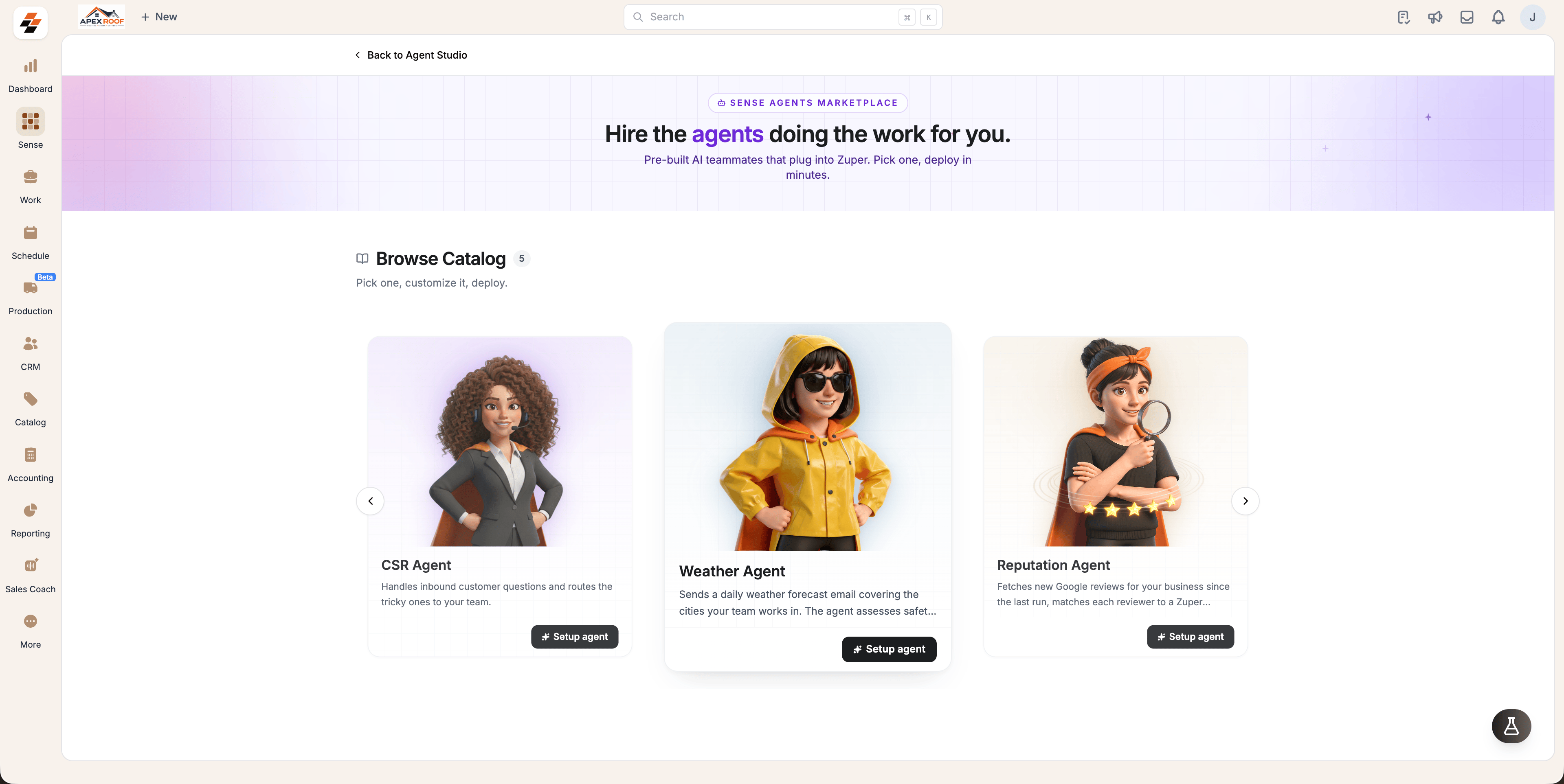
What a catalog card tells you
Each card carries the agent’s name, what it does, and a What it comes with breakdown of its Skills, Tools, Triggers and Knowledge. Select the card to read the full description before you commit to anything. The button on the card tells you what you can do next:- Setup agent — the agent is available on your plan; start configuring it.
- Contact us — the agent is released but not on your plan; our team will get in touch.
- Notify me — the agent is marked COMING SOON and not built yet.
Setting up an agent is limited to admins.