Note: This feature is currently in Beta, and please contact the account manager to get access.
Global Search, Lightning Search, and Atlas Search
- By default, Zuper uses Global Search — the standard search available to all users.
- Lightning Search is an enhanced search experience that delivers faster results and broader cross-module coverage.
- Atlas Search offers an additional layer of search capability built on advanced indexing technology.
- Both Lightning Search and Atlas Search are available as upgrades to Global Search. To switch, contact Zuper Support.
Open lightning search
- Click the search bar at the top center of the screen or use “Ctrl + K or CMD + K.”
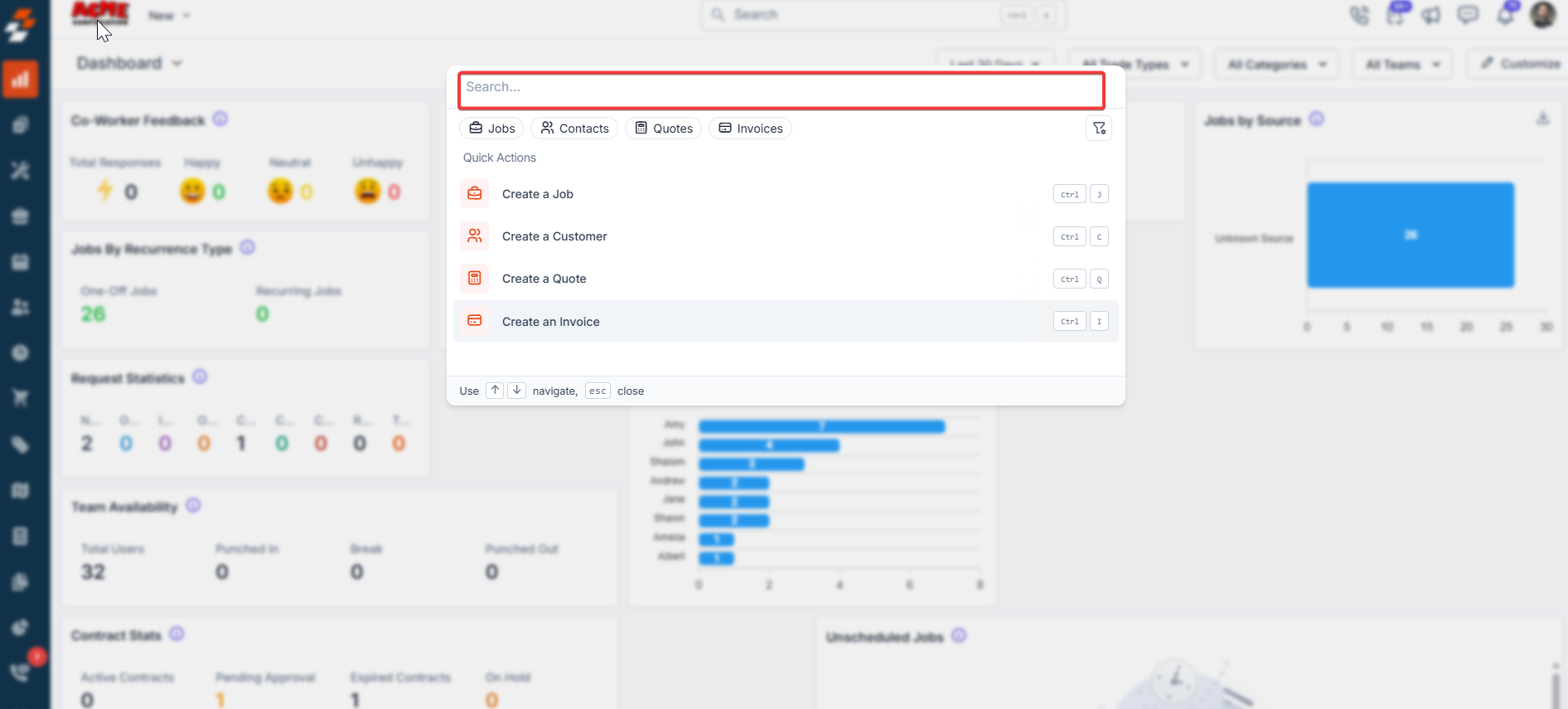
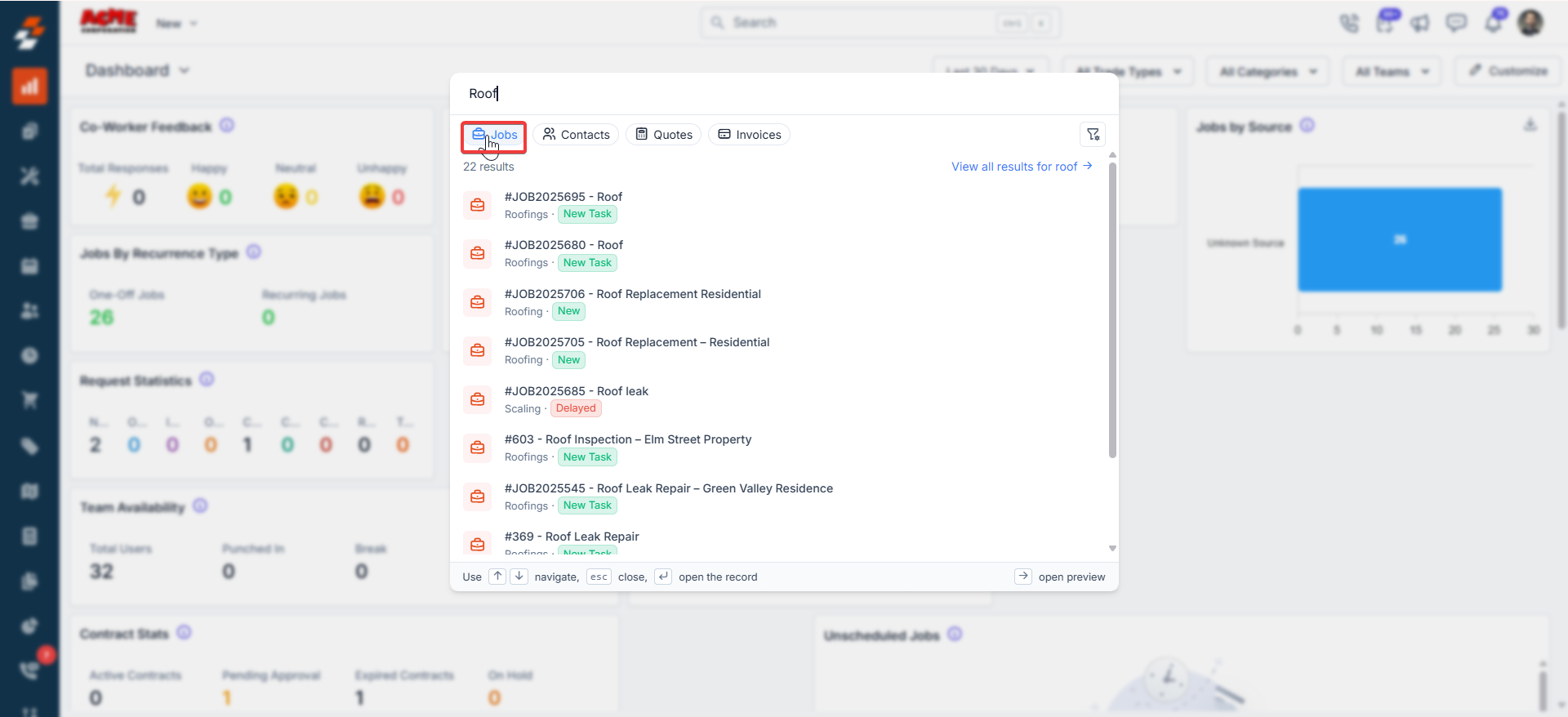
- Start typing your keyword (e.g., “roof”, “AC”, or a job number).
- Search box at the top (pre-filled with what you typed).
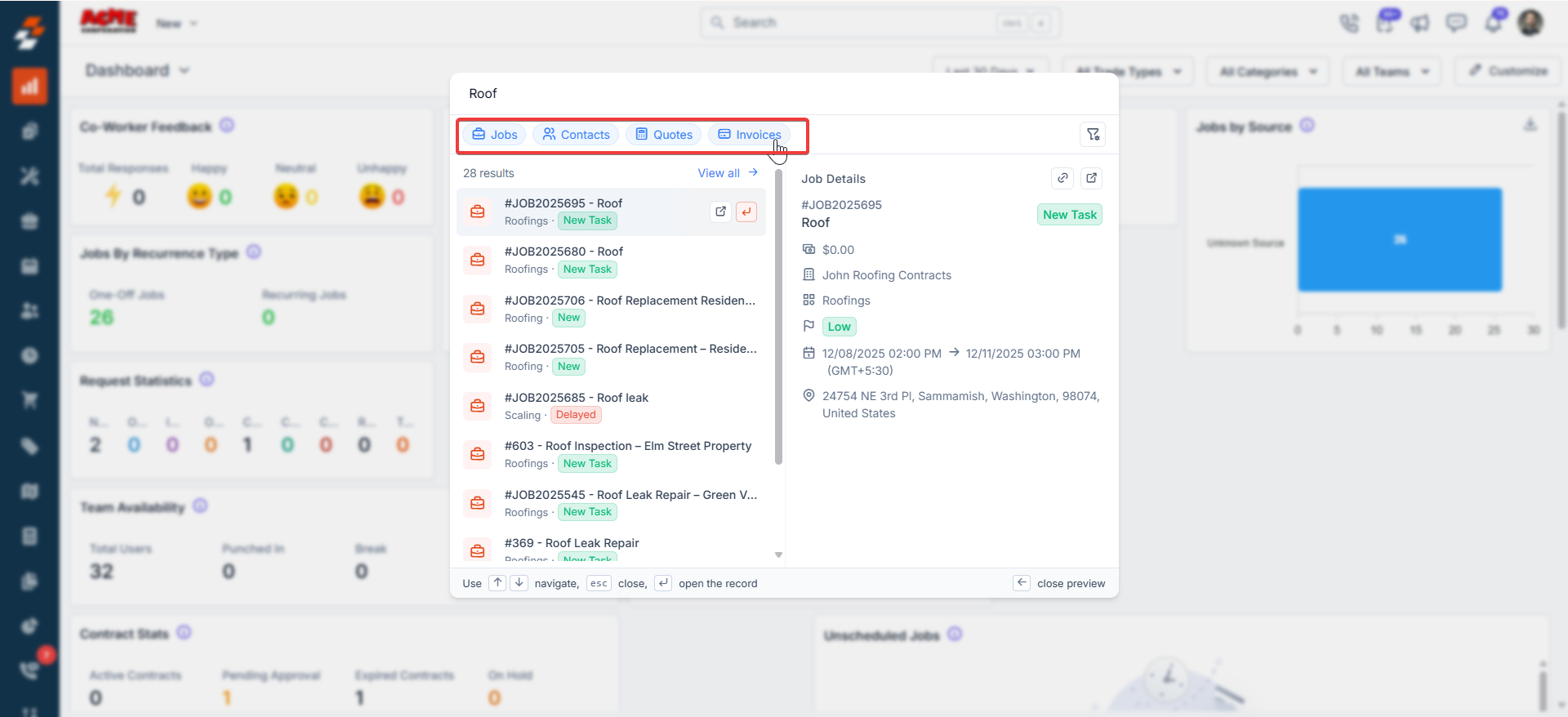
- Jobs
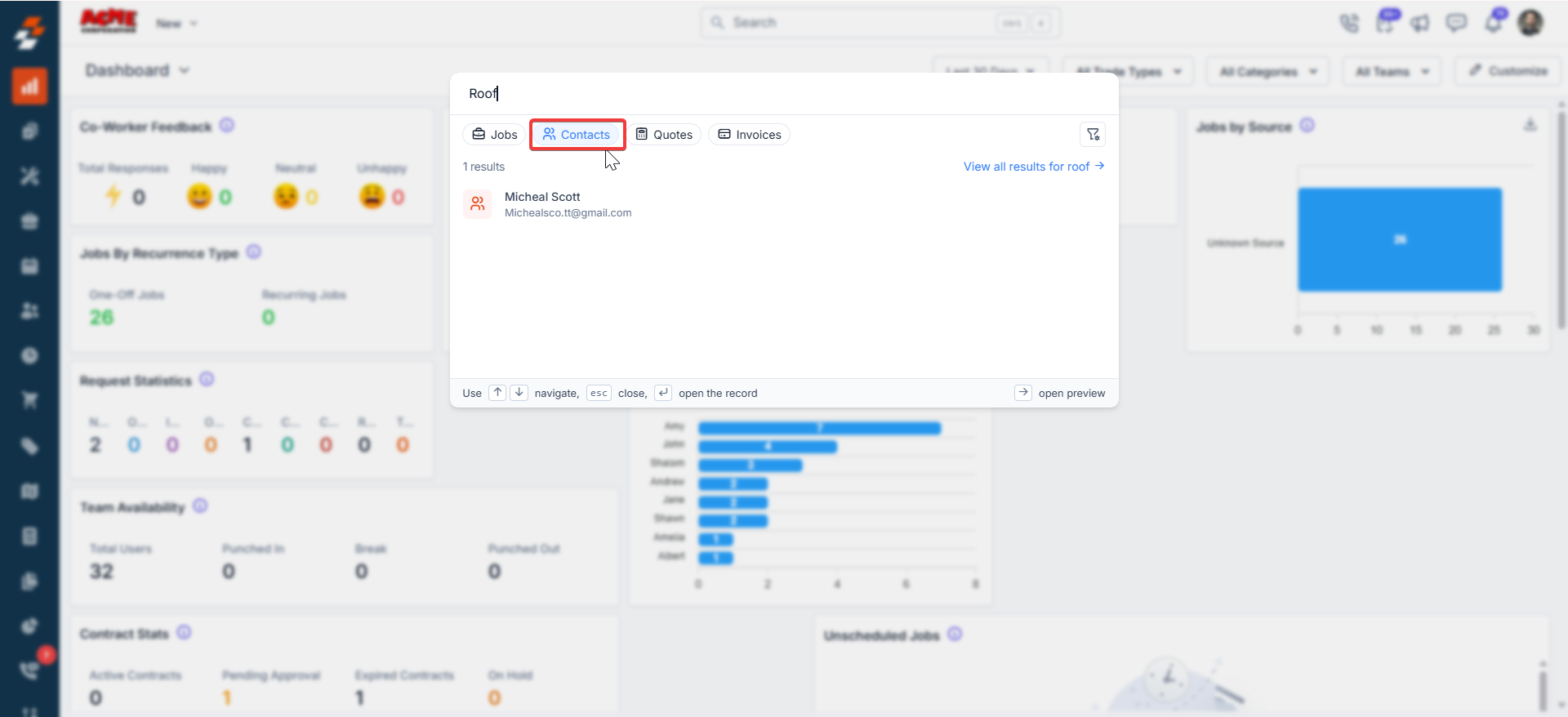
- Contacts
- Quotes
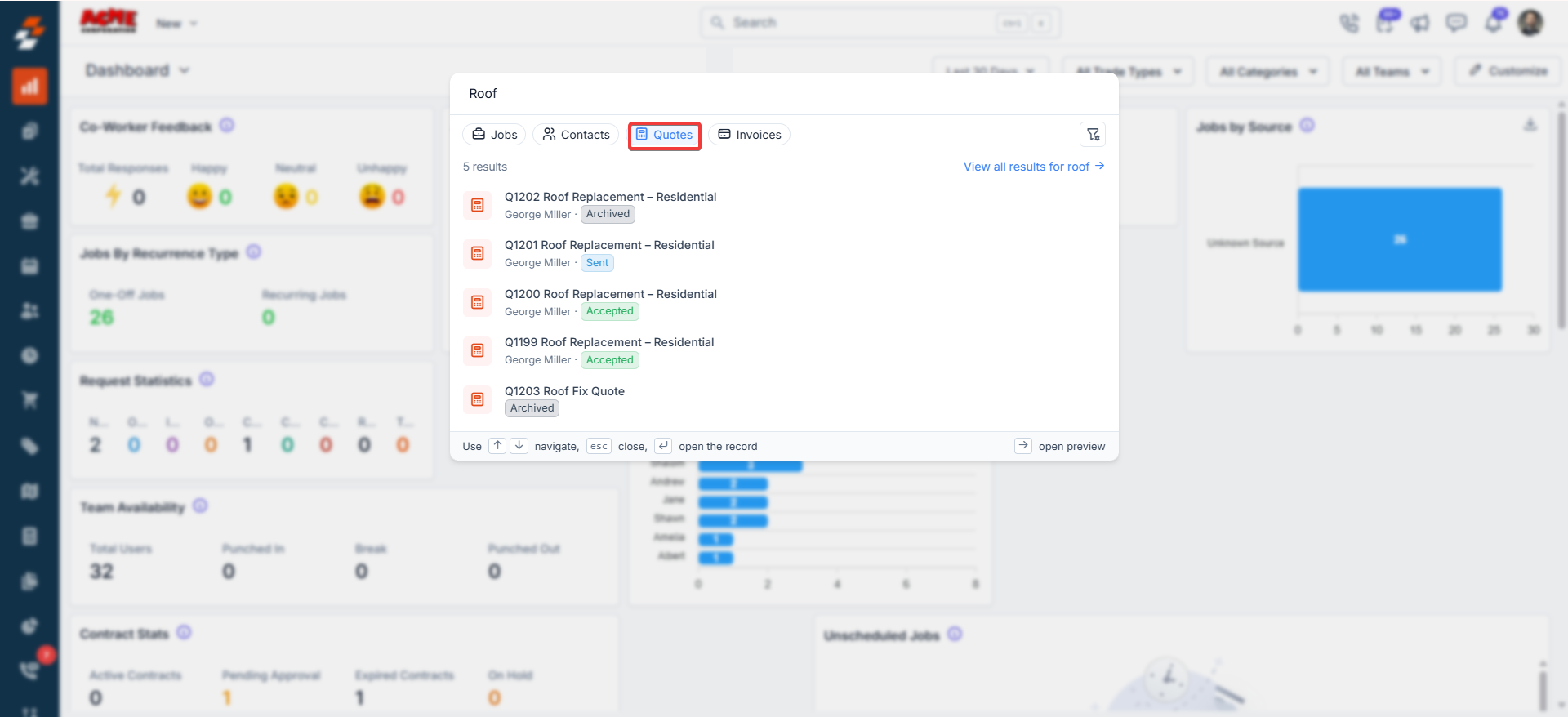
- Invoices
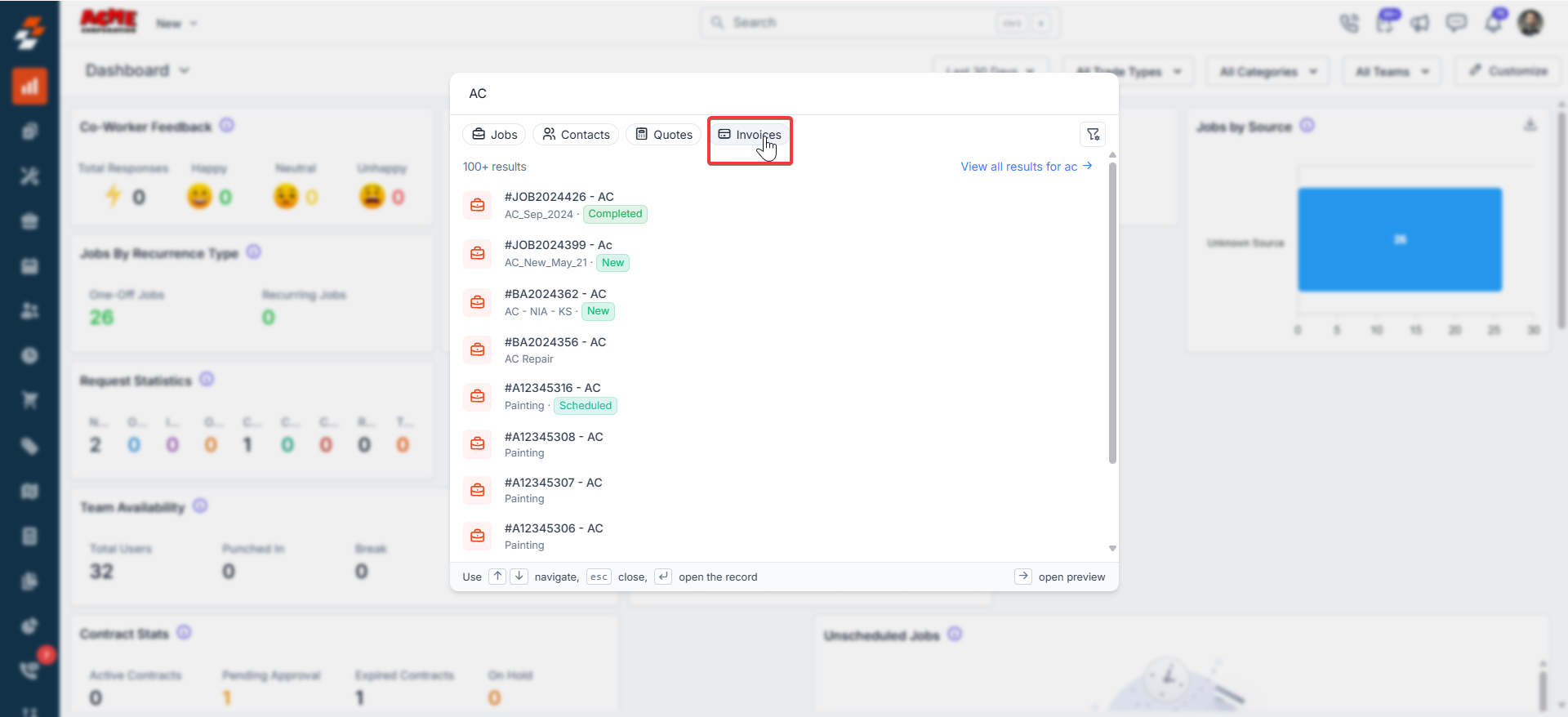
- Click any tab to switch views instantly.
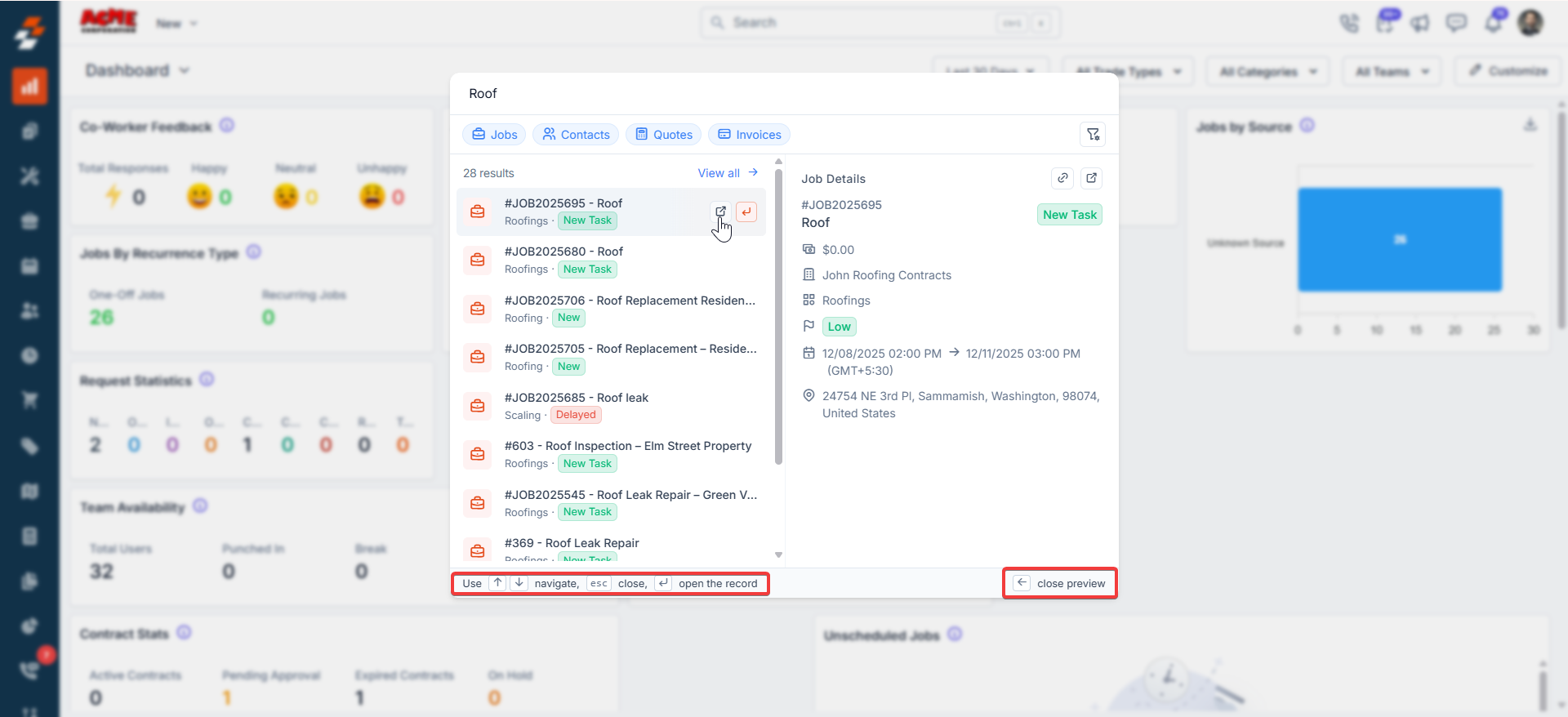
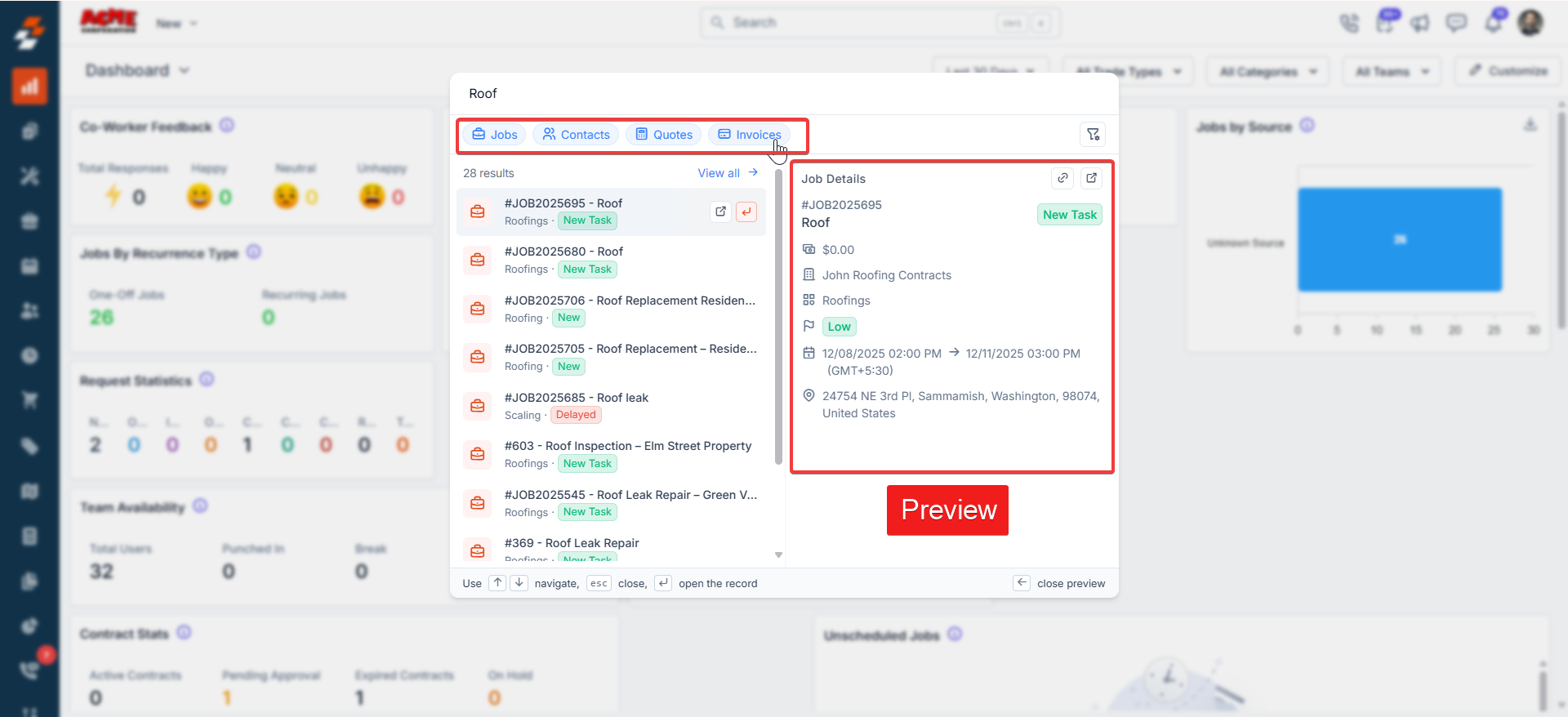
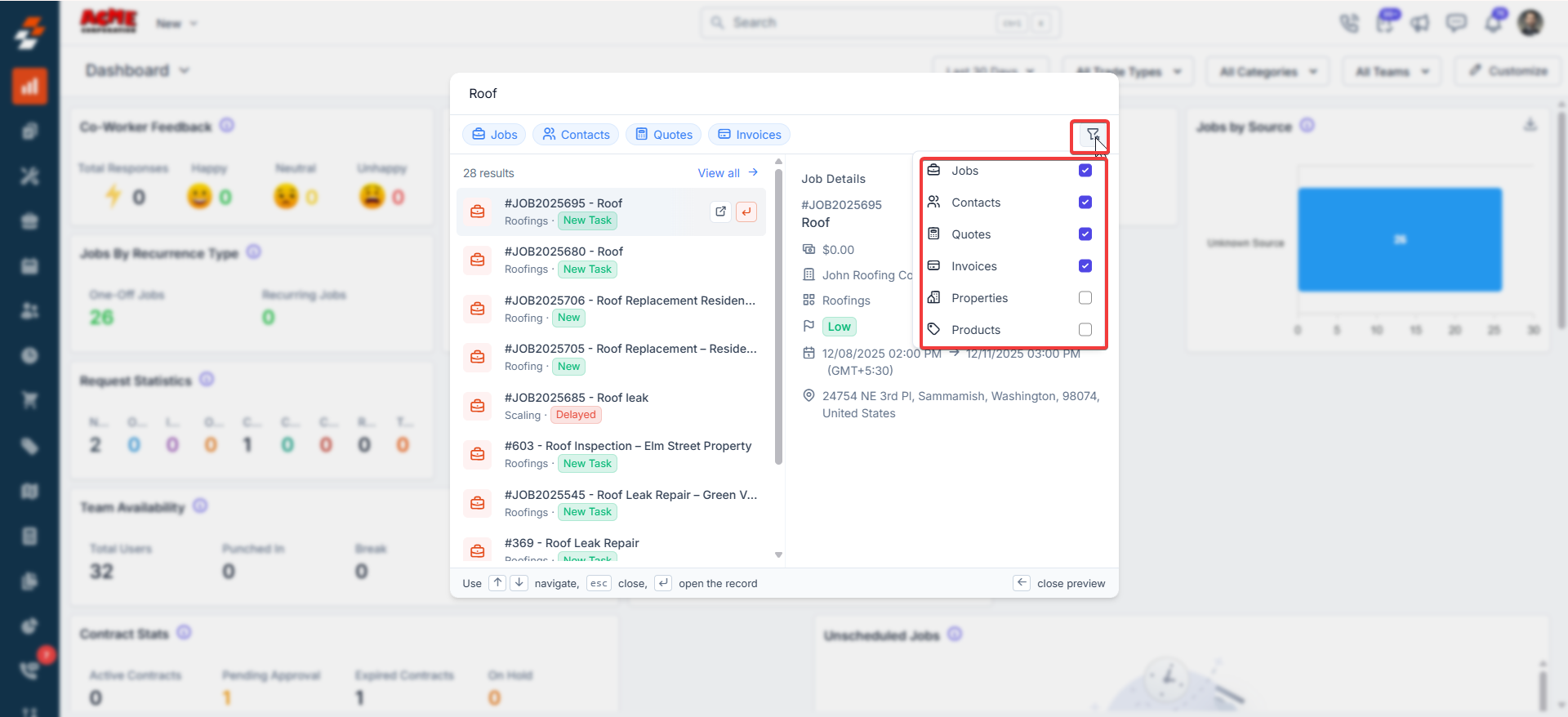
- Results list on the left: Display search results.
- You can do multiple selections as required.
- Preview pane on the right: Click on any result to see a preview of the record (job value, schedule, address, customer info, etc.) without leaving the search.
Filter Search by Module
Click the filter icon (top-right of the search window). A dropdown appears where you can check/uncheck categories:- Jobs
- Contacts
- Quotes
- Invoices
- Properties
- Products
Quick create actions
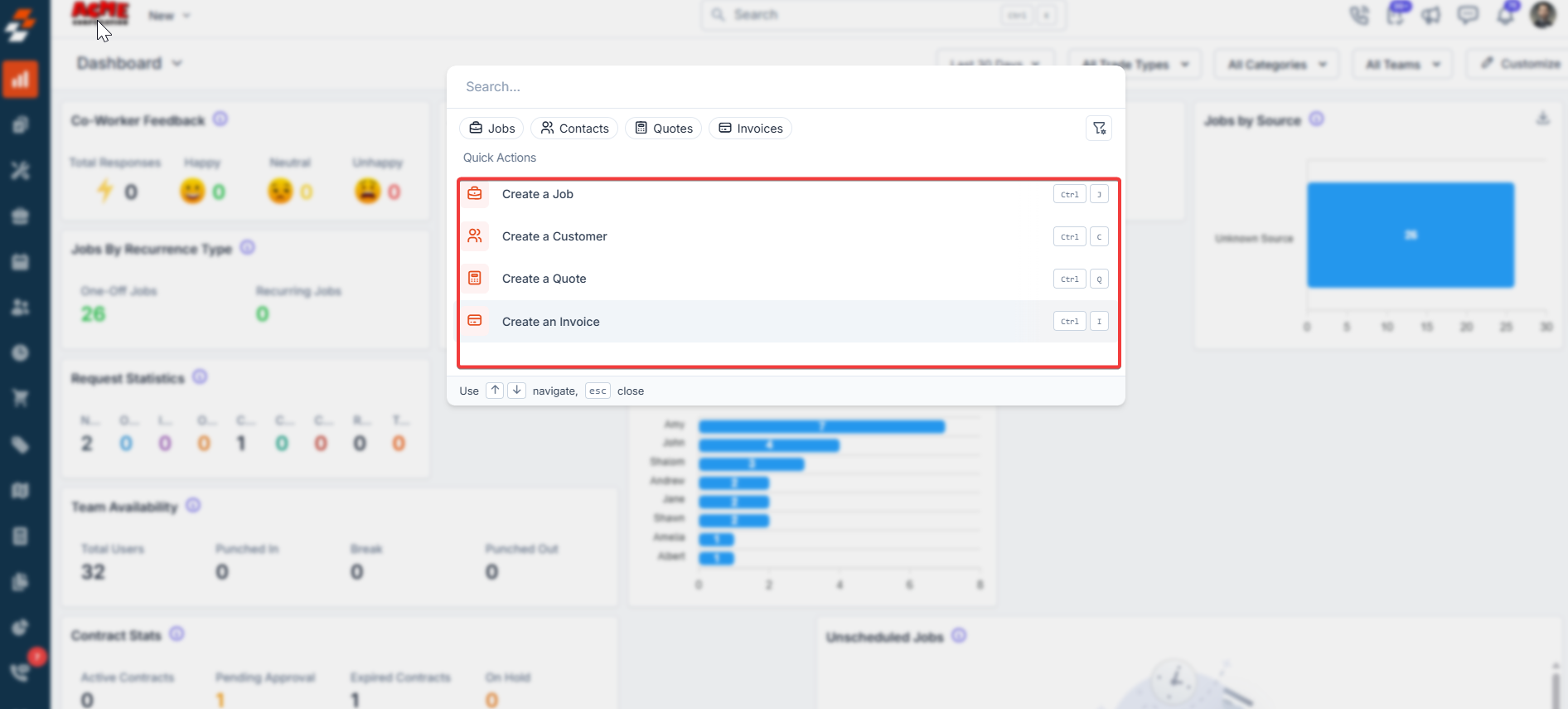
If the search bar is empty (or you clear it), you’ll see handy Quick Actions:
Perfect for starting new work without having to navigate menus.
View full search results
To see everything in a clean table view:- “View all →” link at the top or
- Press Enter while typing.
- ↑ ↓ arrows → Move up/down the list.
- Enter → Open the selected record.
- Esc → Close the window completely.