Zuper Sense also answers questions about how to use Zuper, not just about your account data. Ask how to complete a task or set up a feature, and Sense gives you step-by-step instructions with links to its help articles.

Ask a how-to question

  1. Open Sense from the left navigation.
  2. Type your question in the text box. For example, how do I set up tasks?
  3. Press Enter or tap Send.
  4. Read the response. Sense provides step-by-step guidance, including the relevant screens, required actions, and supporting articles from Zuper Help.
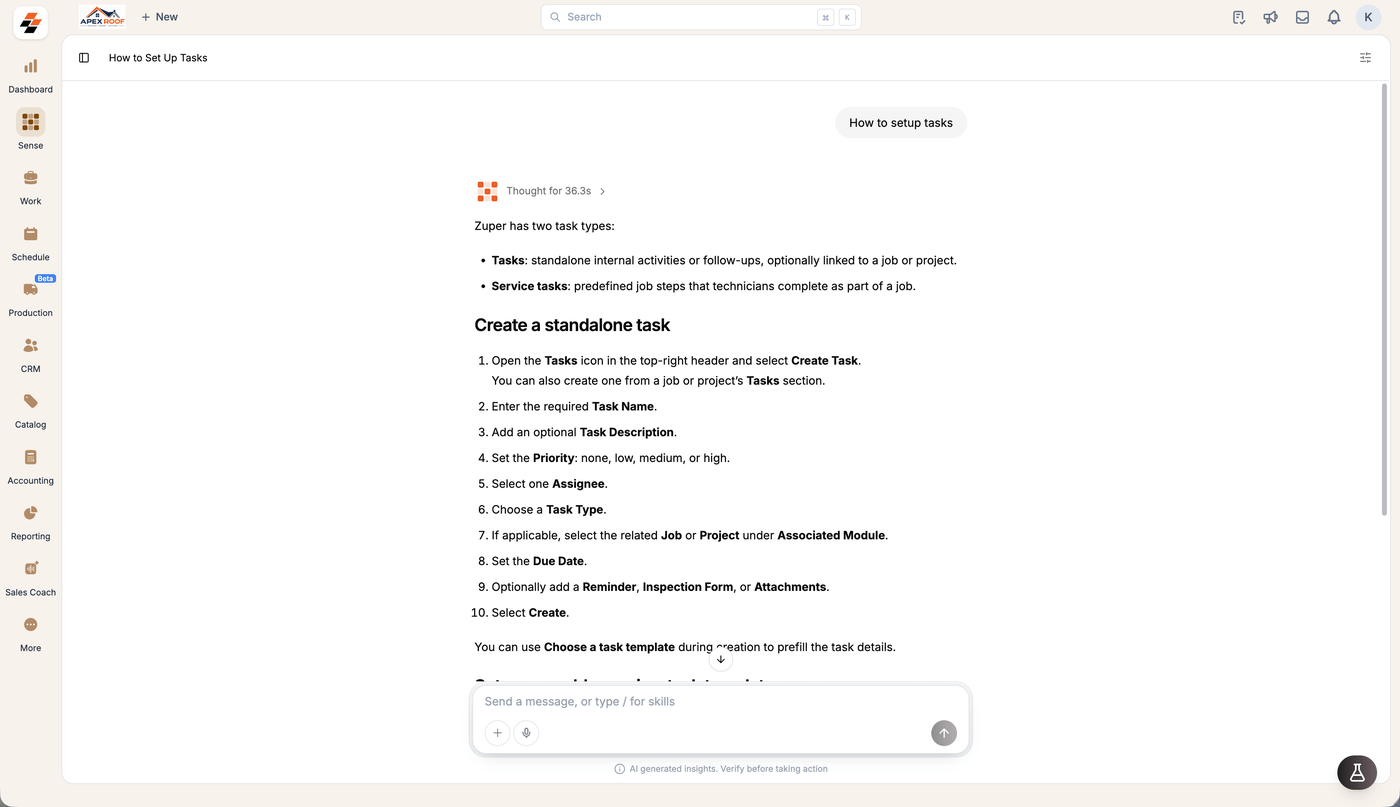
Sense answering How to setup tasks with an explanation of the two task types and a numbered procedure for creating a standalone task
For example: How do I set up CPQ? or How do I create a non-job event?

Where the answers come from

Sense uses Zuper’s help documentation to answer your how-to questions. At the end of each answer, check Sources to see which articles Sense used. You can also use those articles to read more.
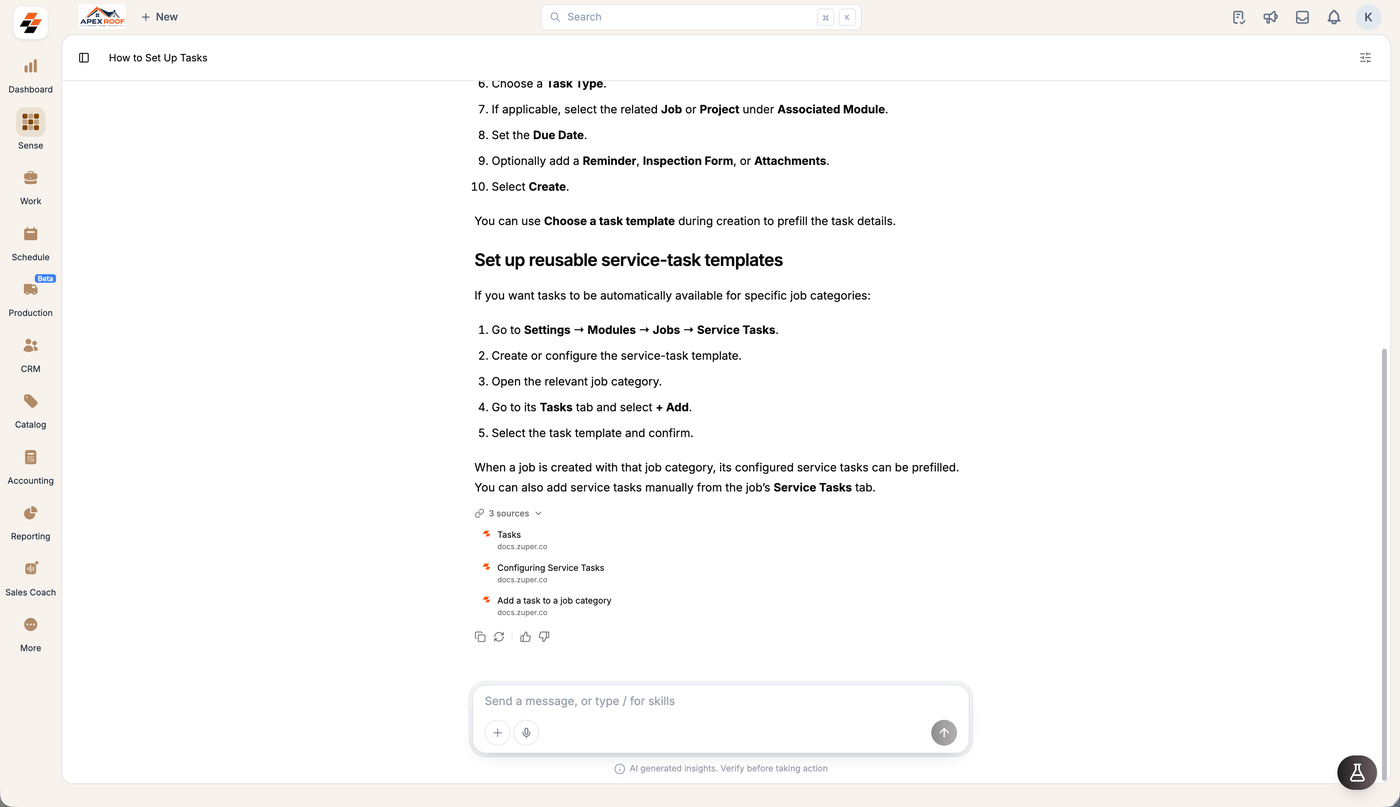
The end of a Sense how-to answer with the 3 sources list expanded, showing three docs.zuper.co articles

How-to questions vs. data questions

You don’t need to switch modes. Sense reads your question and determines whether to use your Zuper records or the help documentation.
Tip: You can ask both kinds of questions in the same thread. For example, ask “How do I set up tasks?” and then “How many tasks are overdue?” without starting a new conversation.