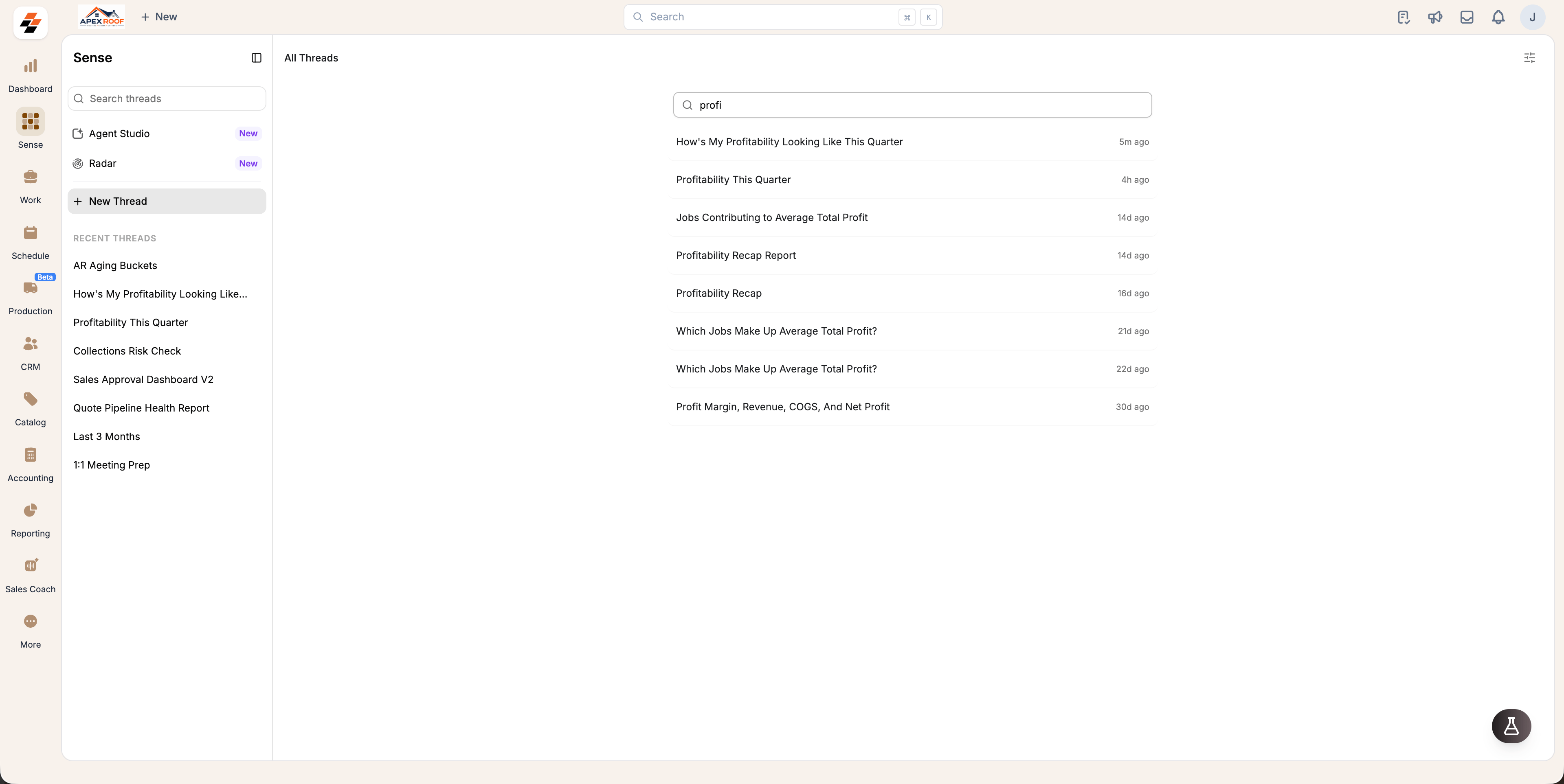
Start a thread
- Open Sense from the left navigation.
- Select New Thread in the left panel.
- Type your question, or pick a suggested prompt below the message box.
Note: Sense automatically titles the thread based on your first prompt. Your latest conversations appear under Recent Threads in the left panel.
Rename or archive a thread
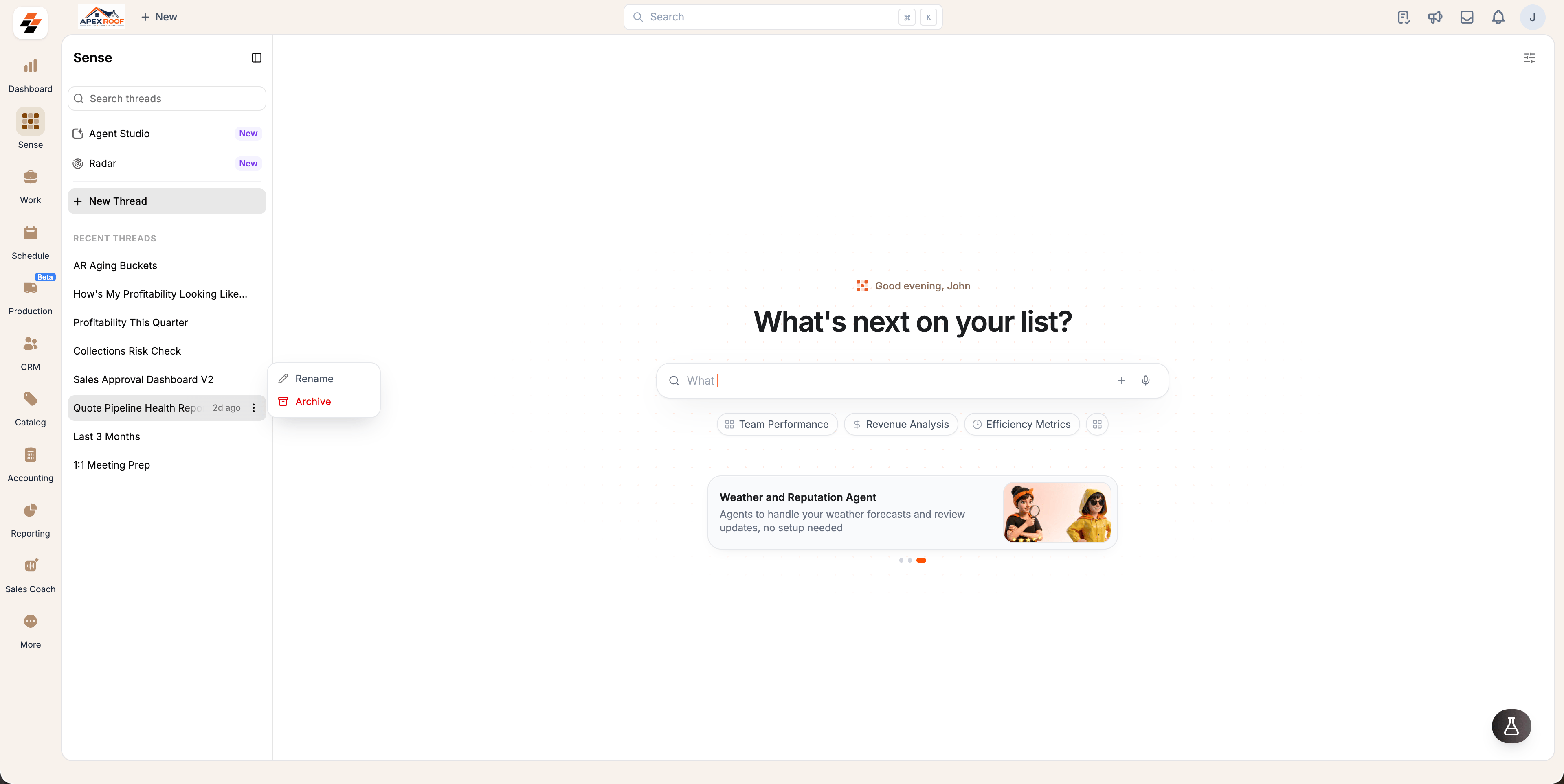
- Hover over a conversation under Recent Threads.
- Select the context menu next to the thread name.
- Select Rename to customize the title, or Archive to remove it from your active list.
Browse all threads
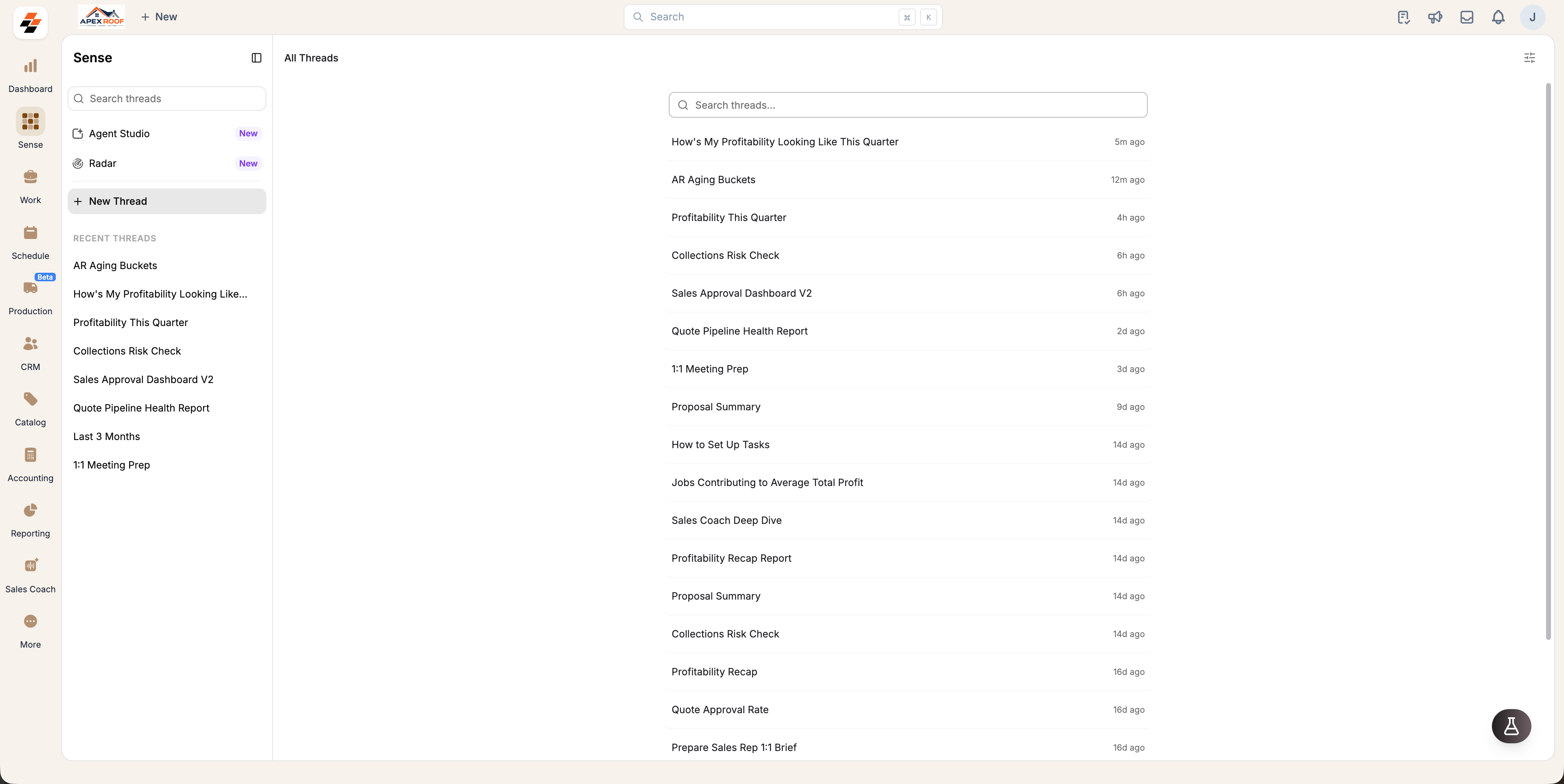
Recent Threads displays your most recent conversations. To view your full history:- Select View all at the top of the thread list.
- The All Threads page will display all past threads sorted by newest first, along with the timestamp of the last message.
Find an older thread
You can quickly locate past conversations using either of the following methods:- From the All Threads page: Open All Threads, then type a keyword into the main search box to filter your list.
- From anywhere in Sense: Use the Search threads at the top of the left panel to filter past conversations without navigating away from your active thread.