

Navigation: Sense -> Radar
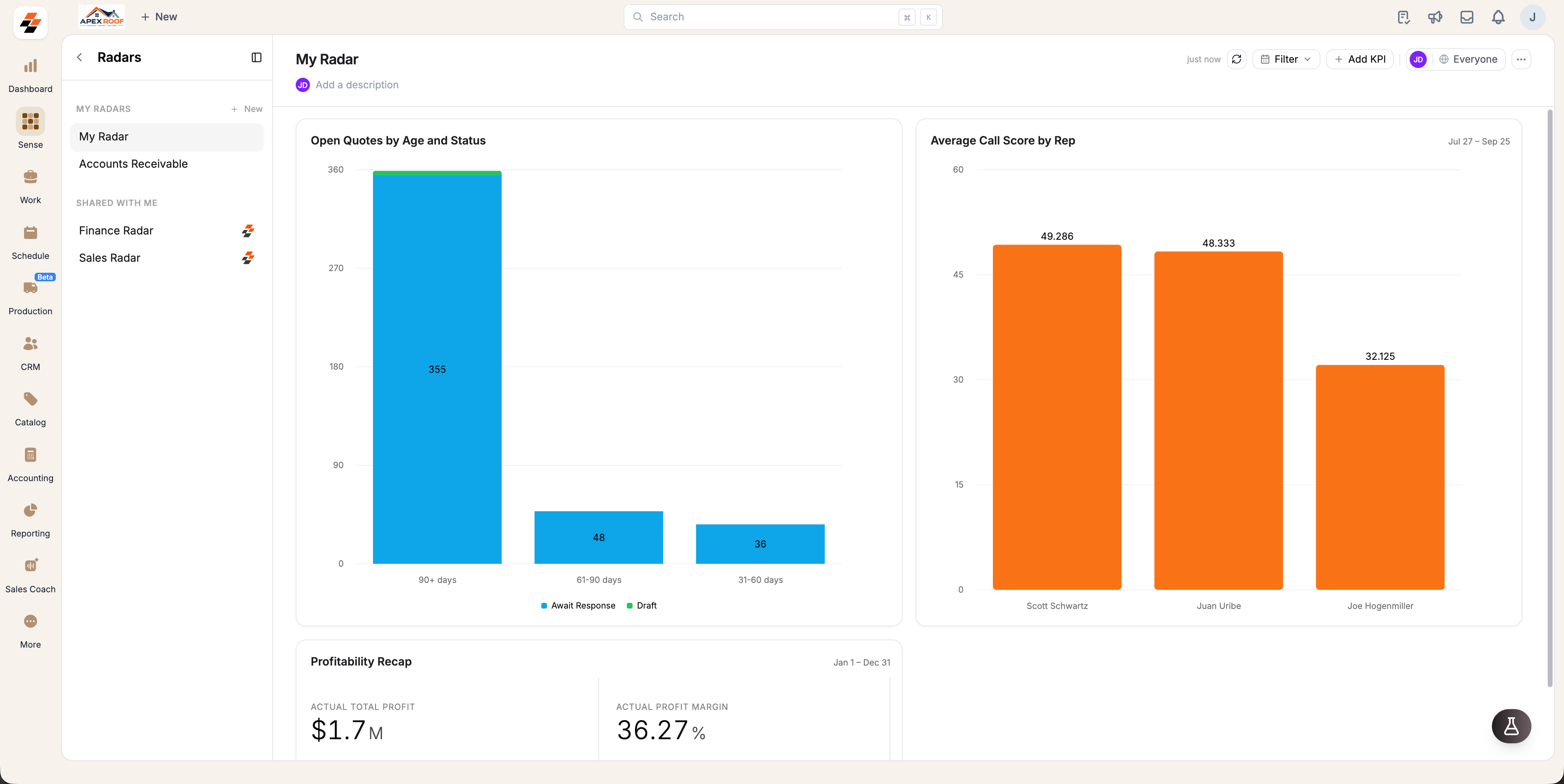
Understanding cards
A card represents a single KPI pinned to a Radar. Cards automatically retain the visual format of the original pinned answer, appearing as a single metric, a bar or line chart, or a summary table.- Cards continuously query your Zuper data to display up-to-date metrics.
- Click Refresh in the top toolbar to fetch updated figures across all cards simultaneously.
- Select Filter to adjust the active date range across supported cards on the board.
Note: A single Radar can host up to 50 cards, and your account can maintain up to 20 individual Radars.
Default Radars
Sense comes pre-configured with three ready-to-use Radars:- My Radar: Your private dashboard located under MY RADARS.
- Sales Radar: A pre-built sales dashboard provided under SHARED WITH ME.
- Finance Radar: A pre-built finance dashboard provided under SHARED WITH ME.
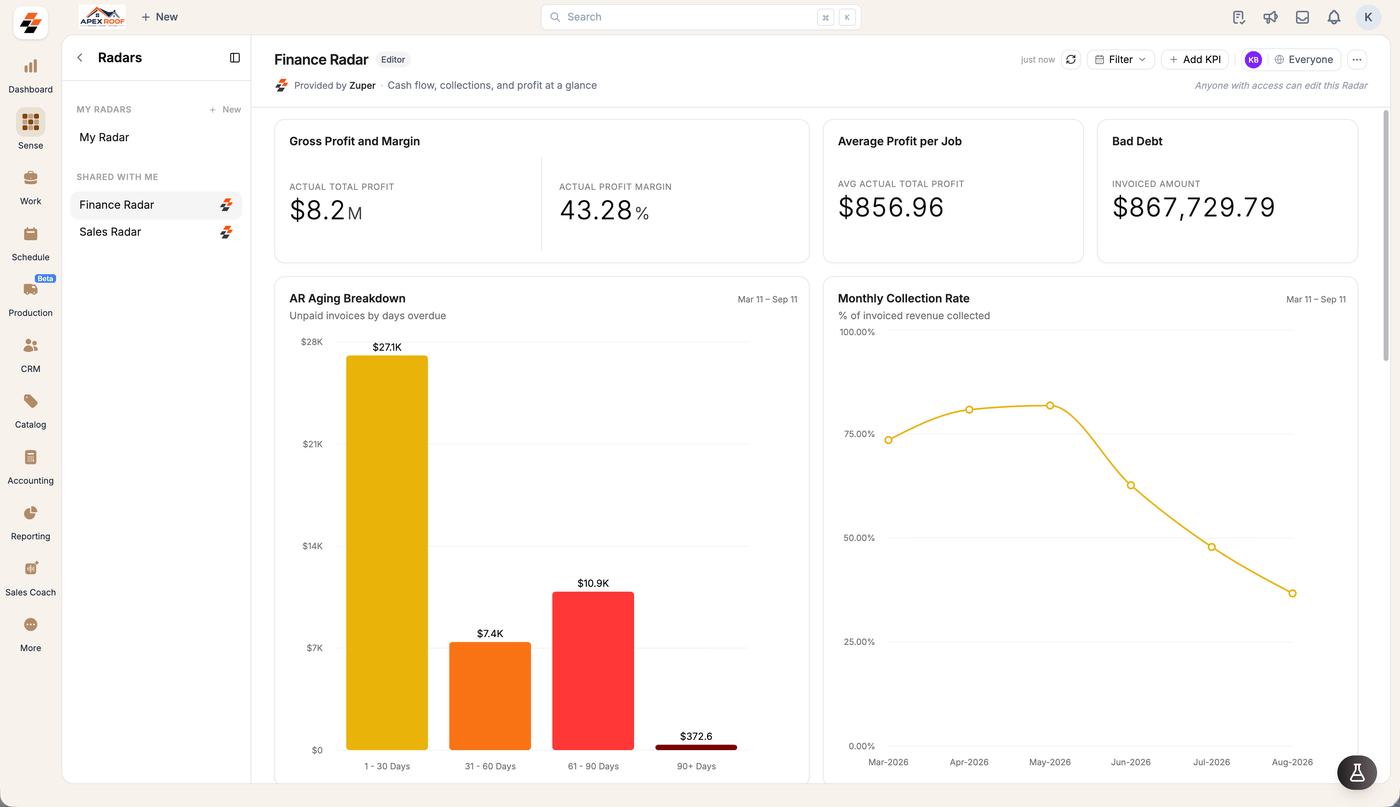
Permissions & access controls
Creating, editing, sharing and deleting Radars is limited to admins as of now.
Related topics
- Setup Radars: Learn how to create Radars, add or arrange cards, and drill into specific metrics.
- Sharing: Configure access permissions and share dashboards across your team.