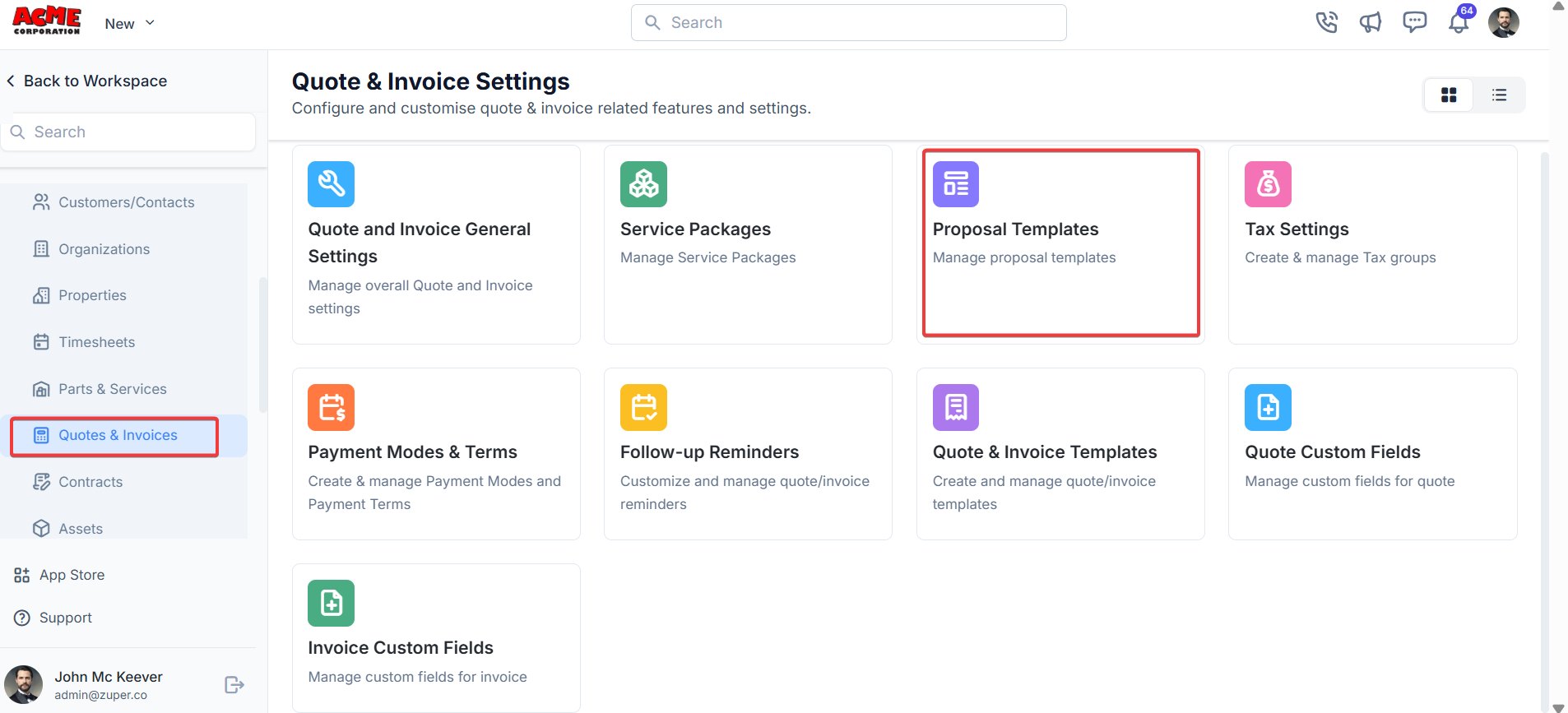
Navigation: Settings -> Modules -> Quotes and Invoices -> Proposal Templates
- Select the “Settings” module from the left panel. Under the “Modules,” Choose the “Quotes & Invoices.” Select the “Proposal Templates.”
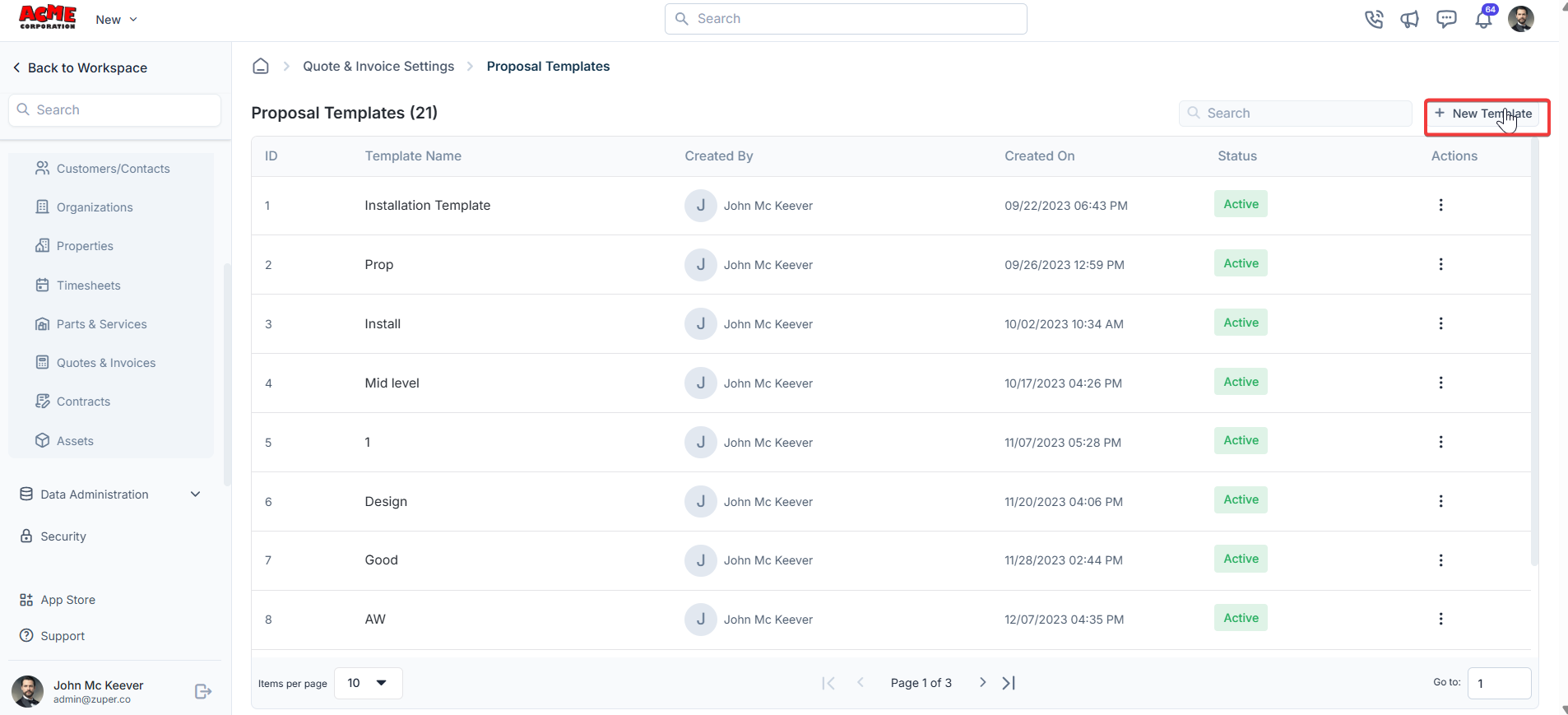
- Select the “Proposal Templates” and click “+ New Template.”
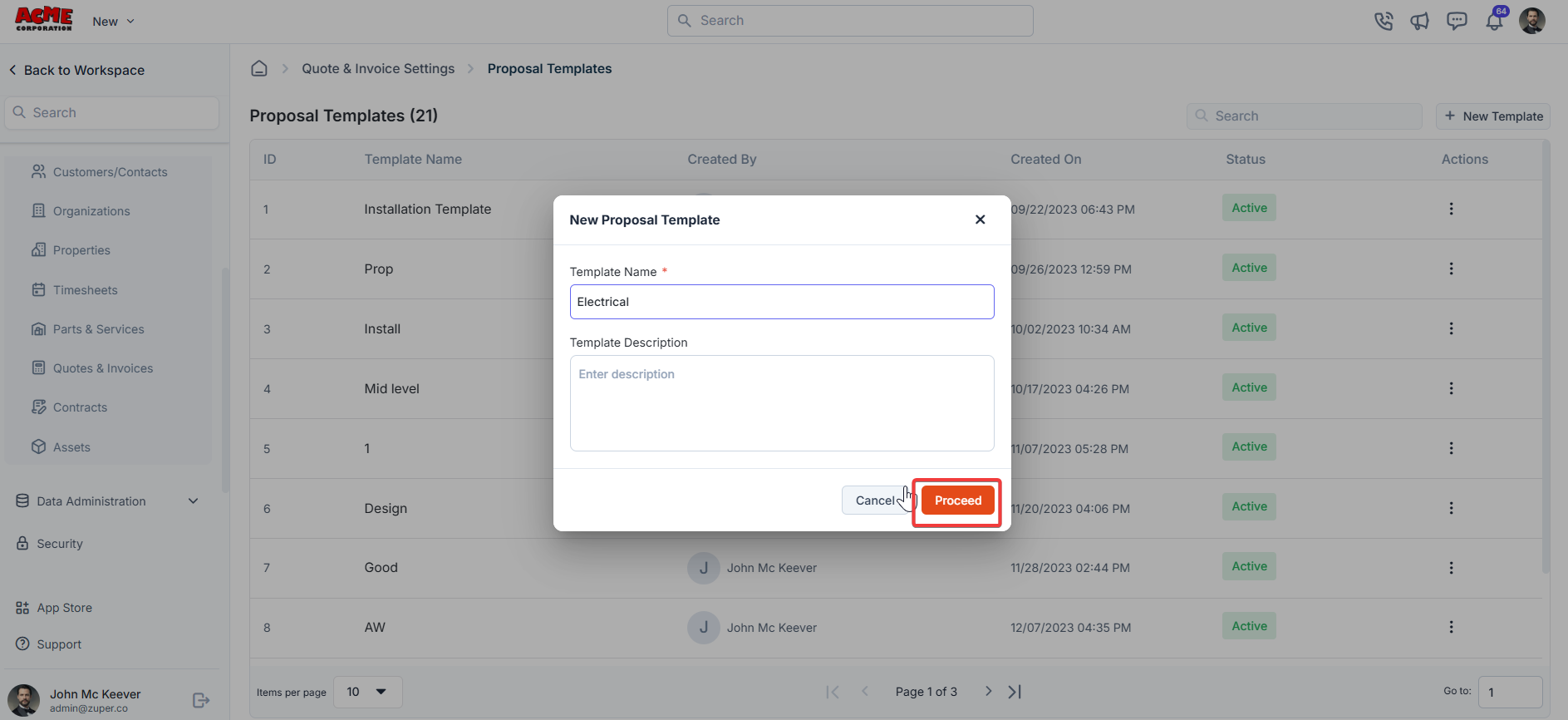
- Enter the template name and description. Click “Proceed” to enter the template details.
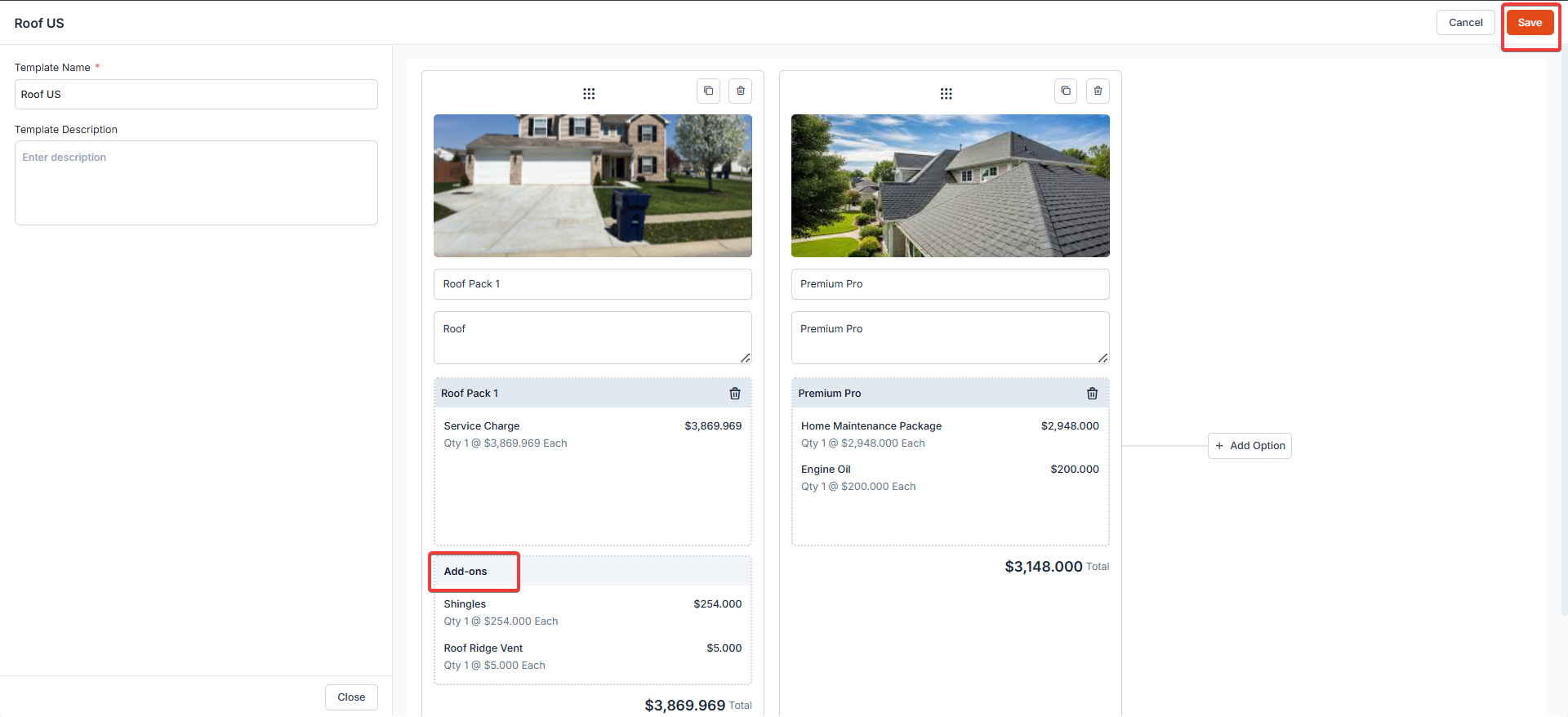
- Upload the image. Add the service packages. Click “Save” to create the proposal template.
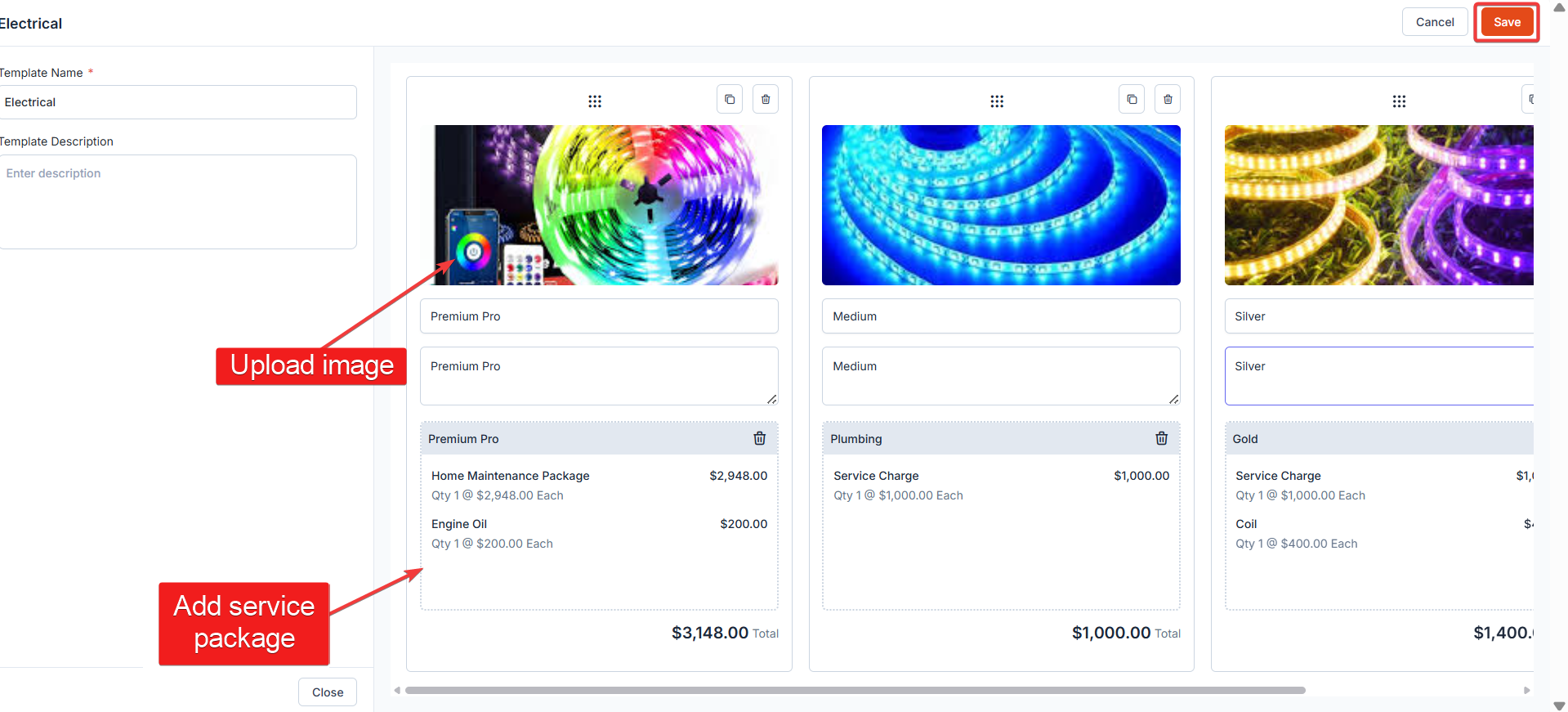
4. Add-ons in the Proposal Template When Add-ons are configured and linked to service packages, they automatically appear within proposal templates as optional Add-ons. Where Add-ons Appear?
- Add-ons are displayed within each proposal option card, under a dedicated Add-ons section.
- They are grouped separately from the base service charges to clearly indicate that they are optional.