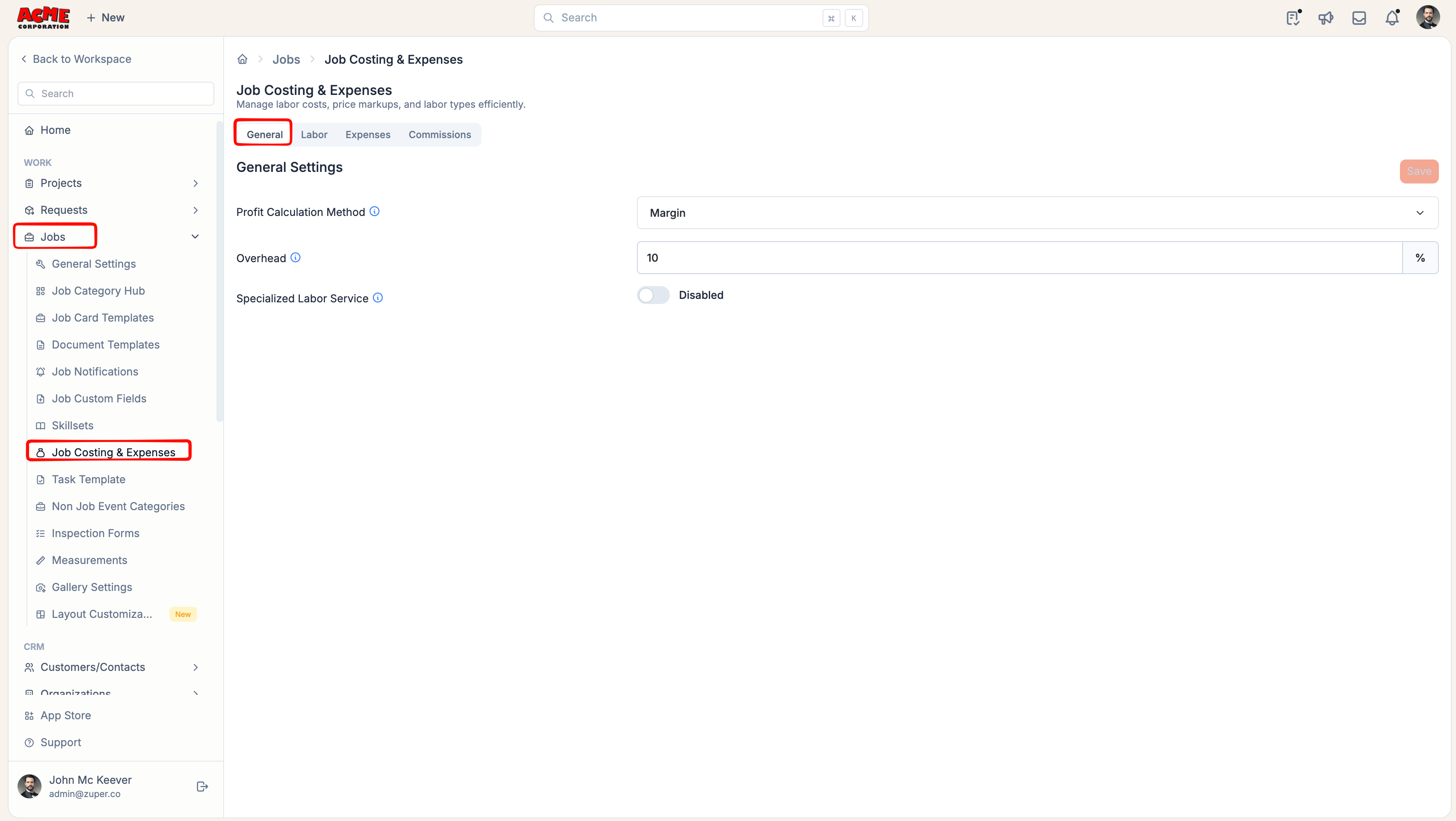
Navigation: More > Settings > Jobs > Job Costing & Expenses
General Settings
- Profit Calculation Method: Choose how profit is displayed across the job:
- Margin: Profit is shown as a percentage of the selling price.
- Markup: Profit is shown as a percentage added on top of costs.
- Overhead: Enter a percentage to represent indirect operating costs, such as administrative expenses, office costs, insurance, fleet operating costs, and similar business expenses. Once set, Zuper automatically calculates the overhead amount as a percentage of job revenue and deducts it from Gross Profit when calculating Net Profit.
Note: This setting applies to all jobs across your organisation. Admins can override the overhead value on individual jobs when required.
- (Optional) The Specialized Labor Service field is disabled by default. When enabled, labor services quantity and their pricing are automatically calculated based on the technician’s working hours on the respective job. This is particularly useful for Time and Material billing scenarios. For more detailed guidance, refer to the Labor Service and the Calculating Job Profitability: Time and Material Billing guides.
Labor Settings
Labor settings allow you to define how labor is costed and priced. Zuper provides default Labor Codes (Regular, Overtime, and Doubletime) that are pre-configured for common scenarios, but you can customize or add new codes to match your specific business needs. To learn how to configure the Labor Code, refer to Labor Code. The Labor Types section is reserved for future enhancements and can be ignored for now; no configuration is required.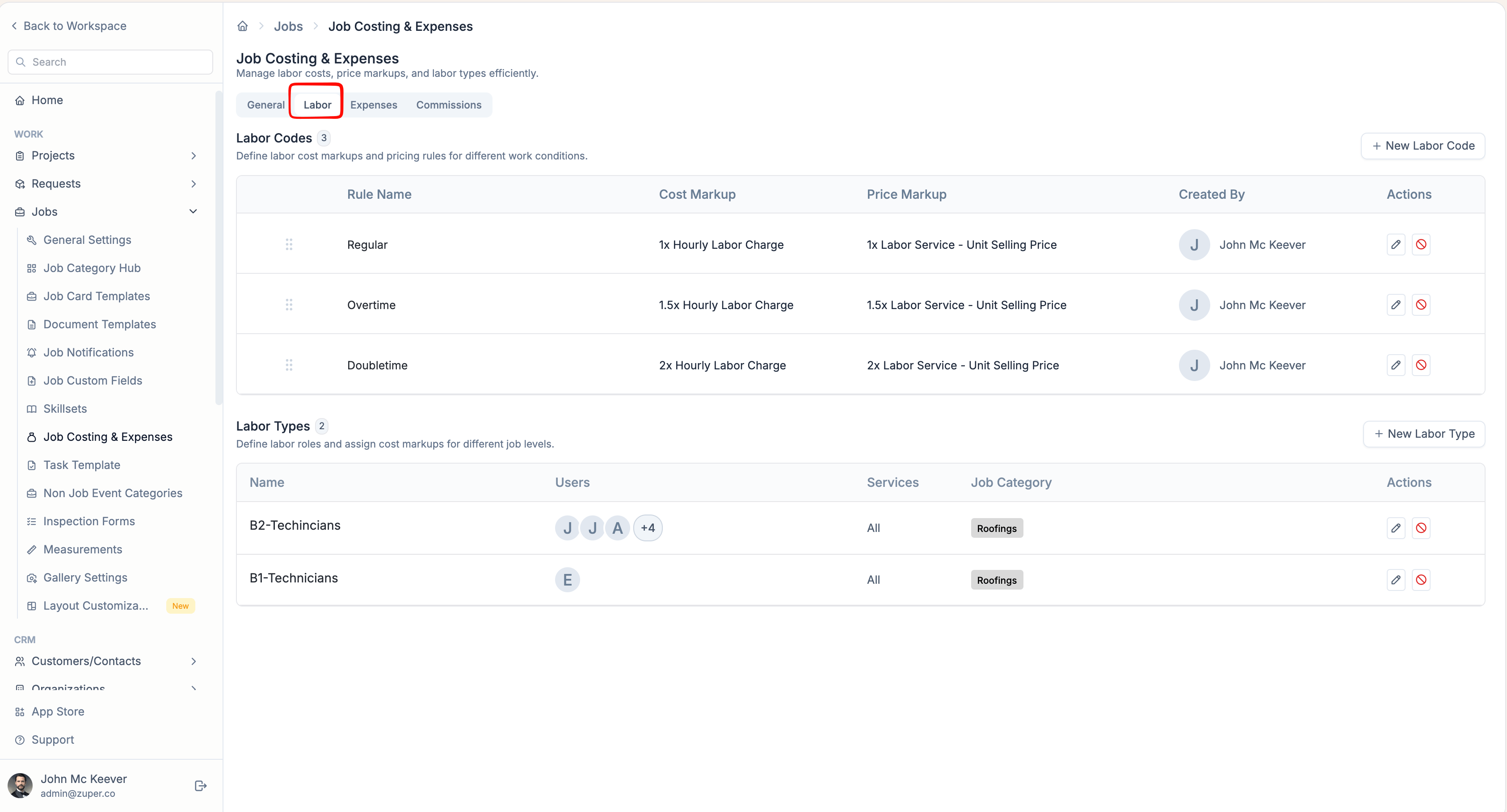
Expense Settings
Expense settings help you track additional job costs such as permits, rentals, or travel. You can create expense categories, mark them as billable or non-billable, and apply caps as needed. These expenses are included in the total cost of goods sold and directly impact job profitability. For more detailed guidance, refer to Configuring Expense Category.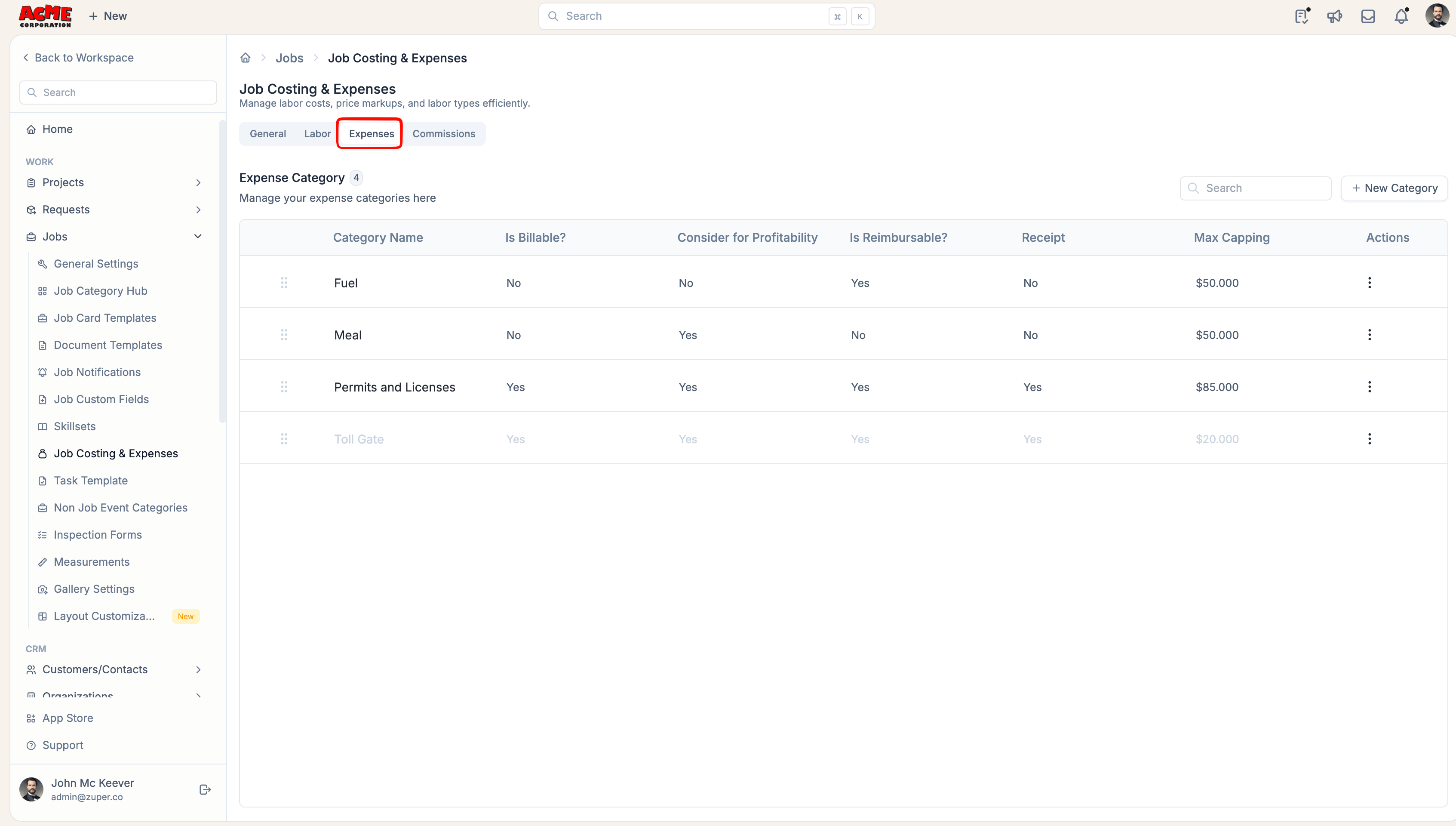
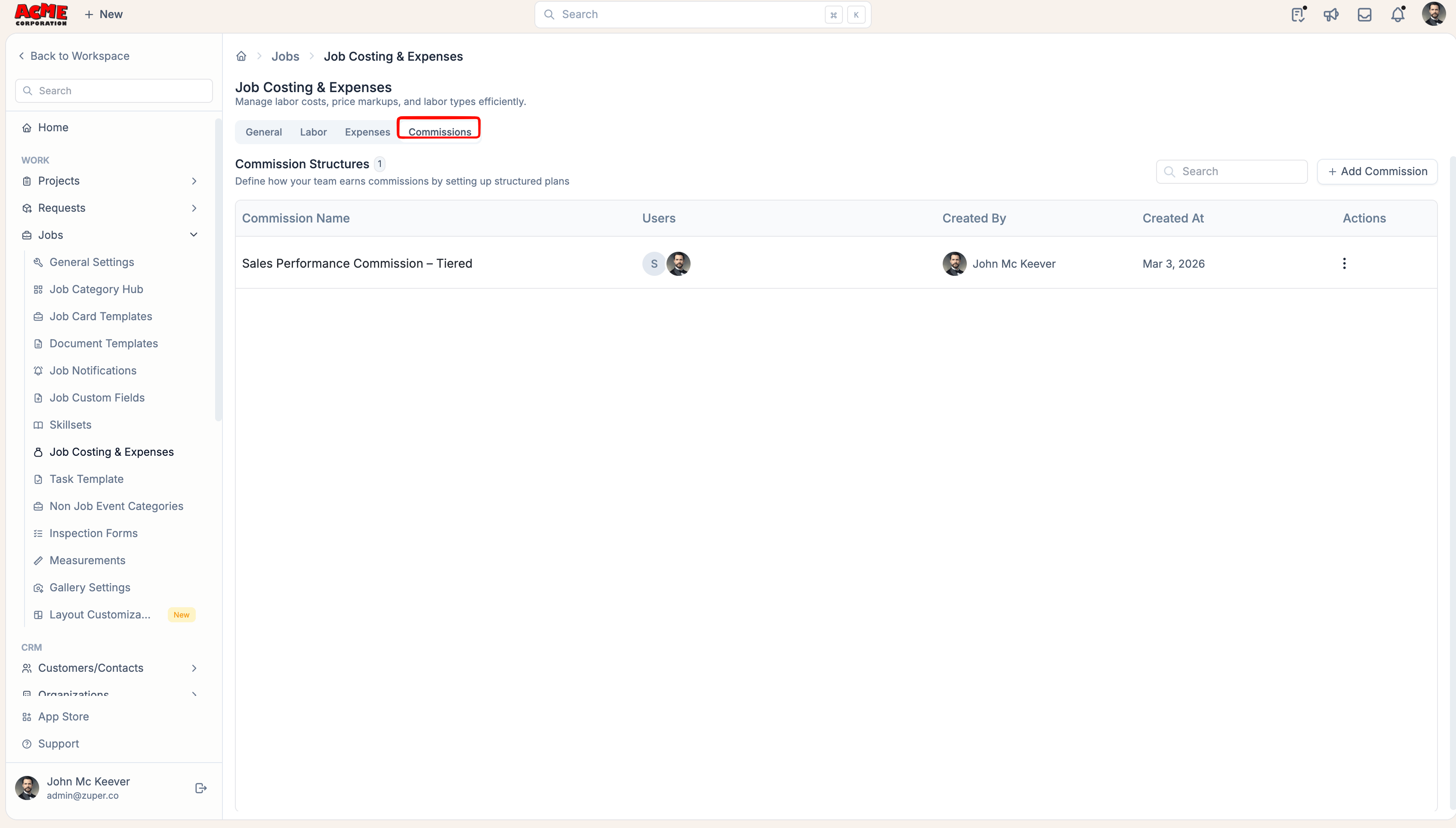
Commission Settings
New Commissions settings allow you to define performance pay structures for your team based on Job profitability and other key metrics. Implementing a commission structure provides users with the opportunity to earn supplemental income beyond their base salary. This can significantly enhance motivation and drive in achieving assigned targets. To learn how to set up your commission rates, see Tracking commission on Jobs.