

Before you begin
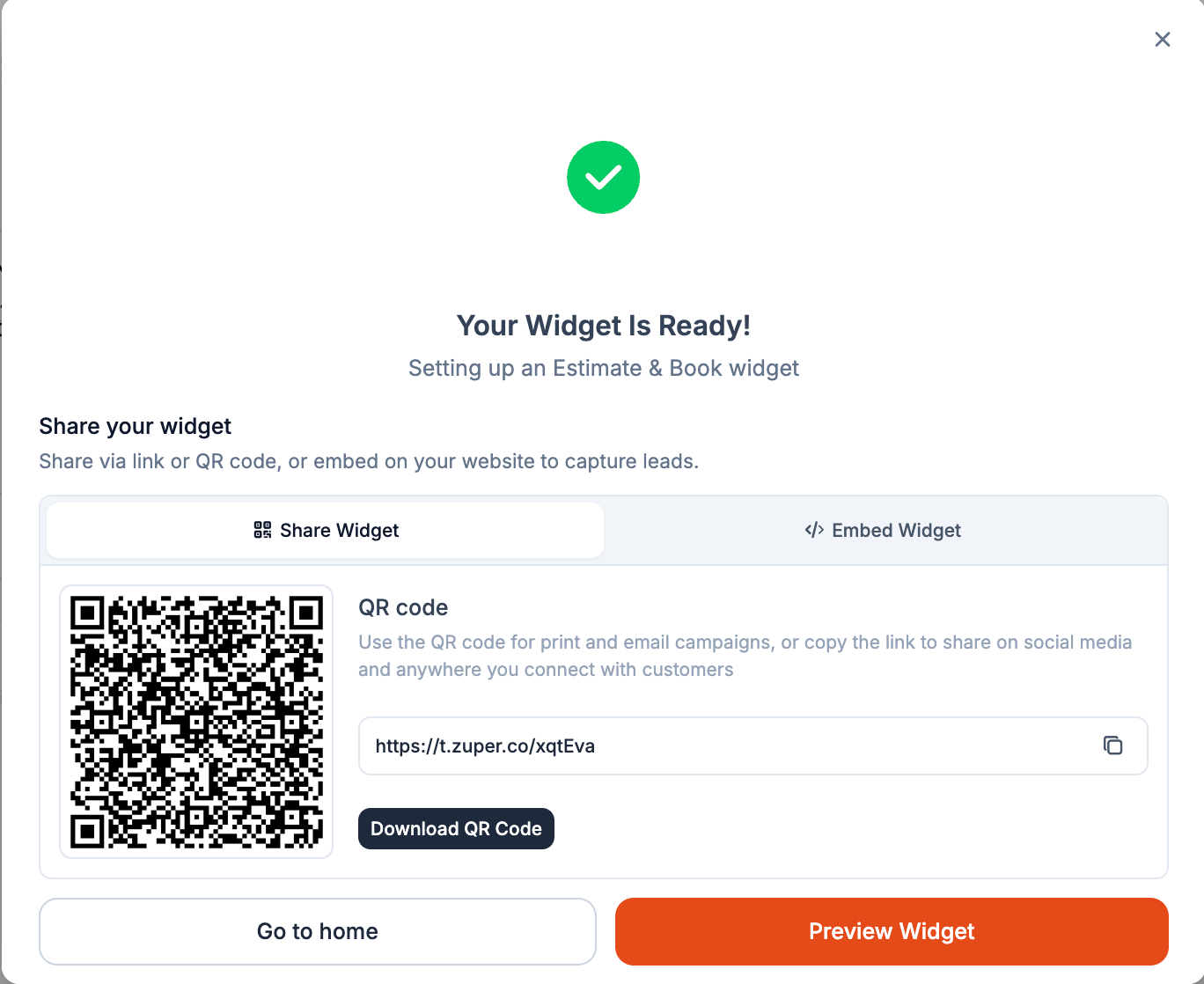
Activate your widget before sharing it. Sharing options are available only for Active widgets.
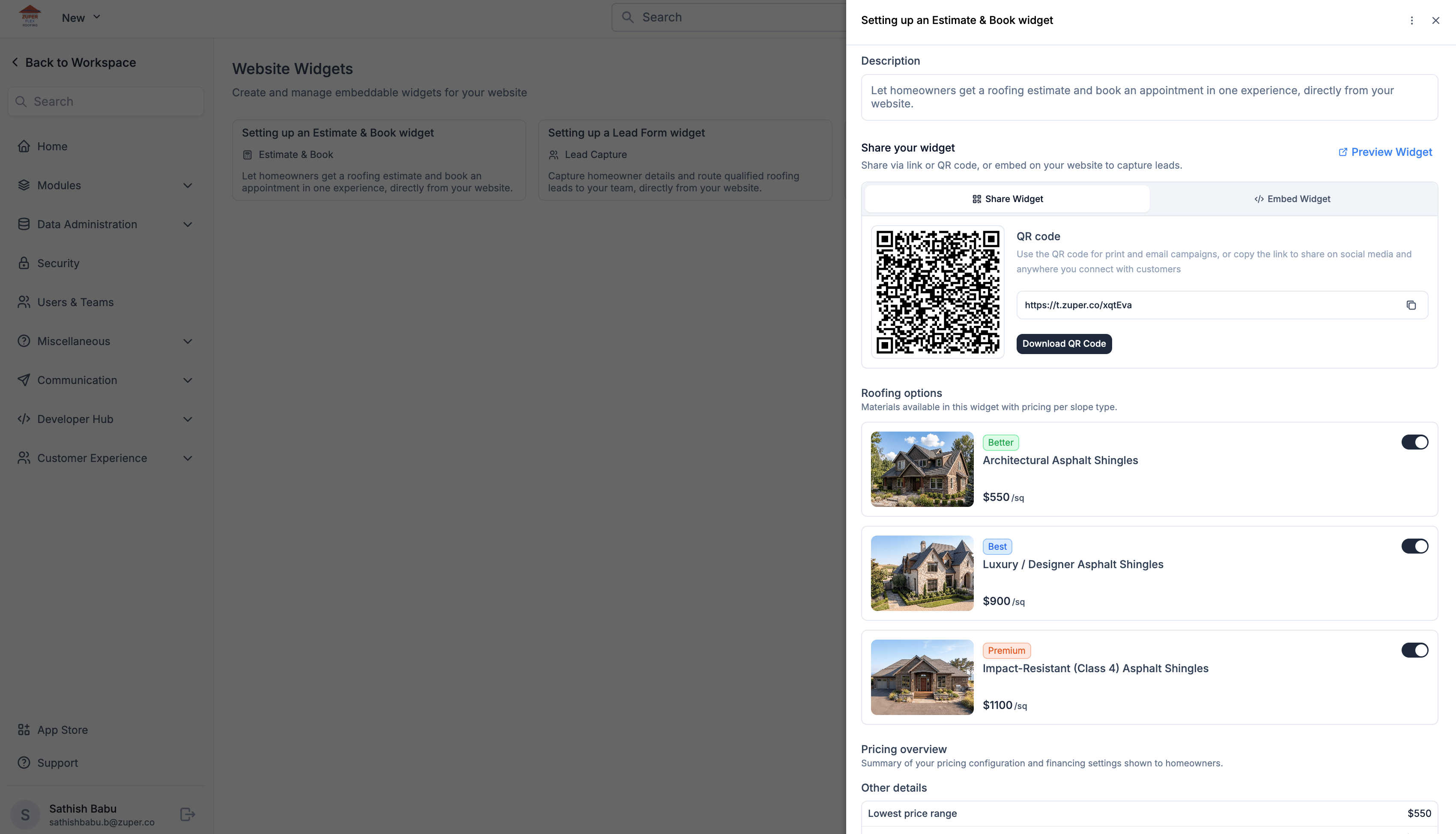
Find your sharing options
- Go to Settings → Customer Experience → Website Widget.
- Select the widget you want to share.
- From the widget’s detail page, you can copy the link, download the QR code, get the embed code, or preview the widget.
Put your widget where homeowners find you
Choose the sharing method that fits where you want to reach homeowners.- QR code
- Embed
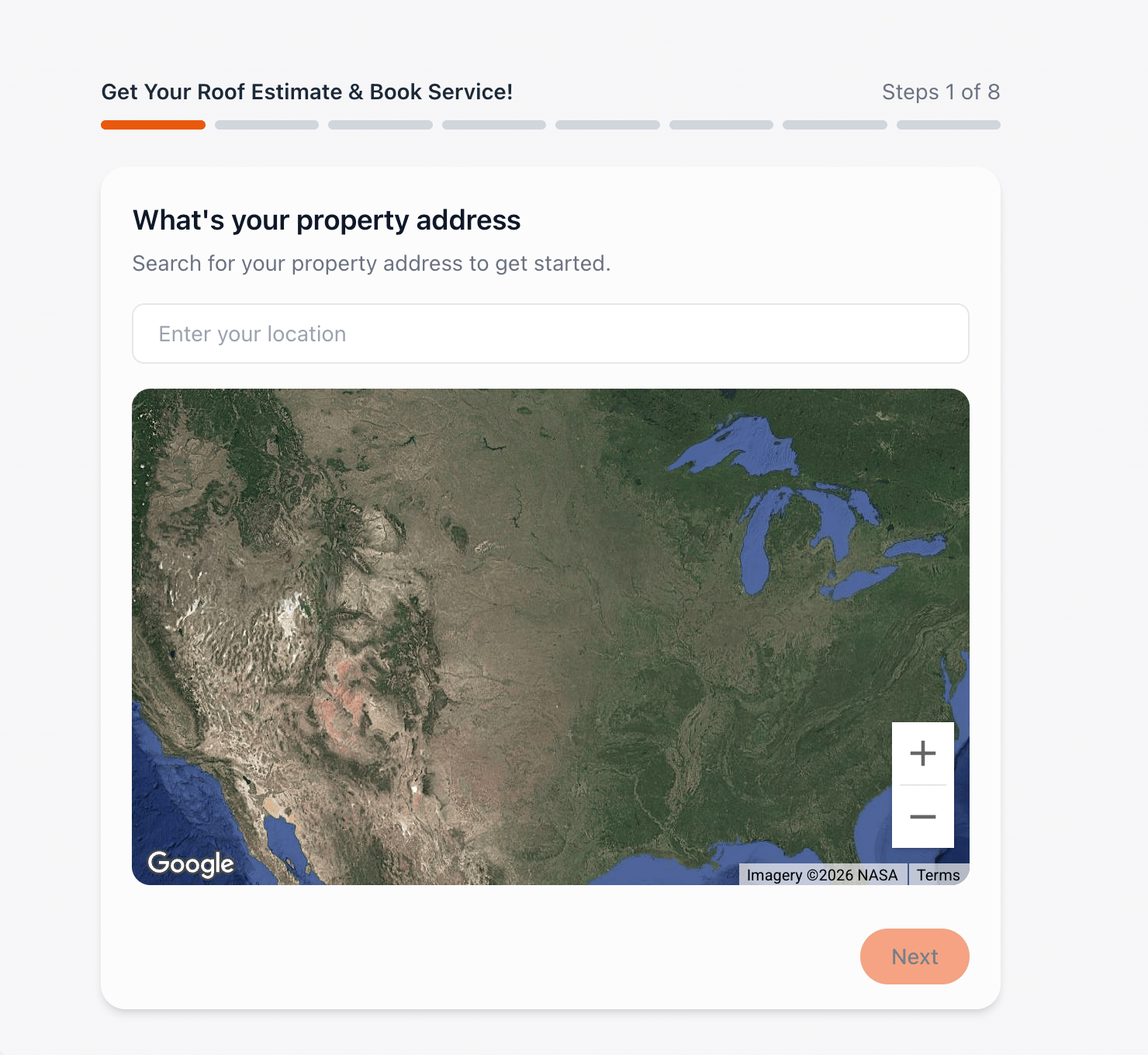
Preview before you share
Select Preview from the widget’s detail page to experience it as a homeowner would.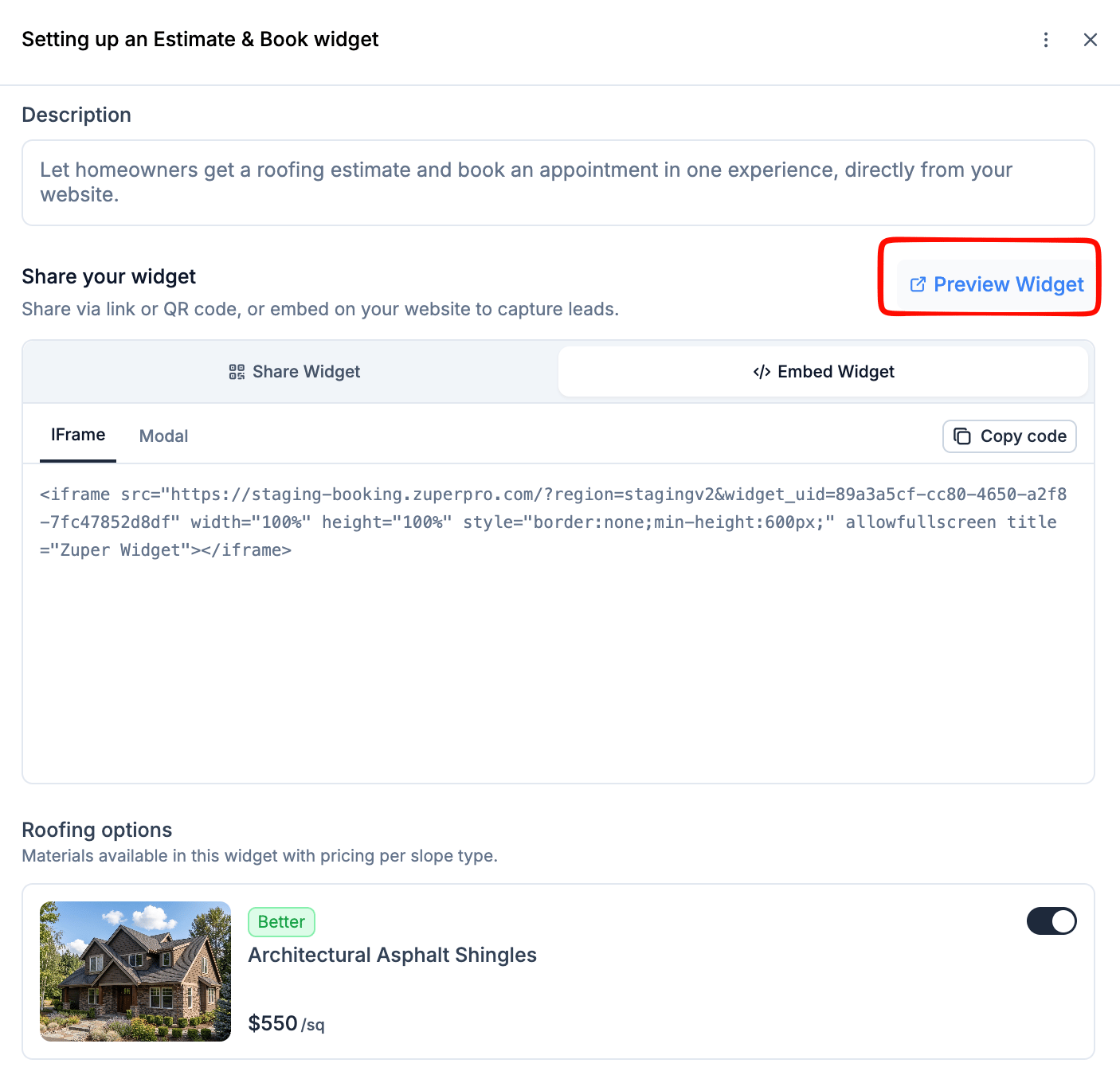
Update your widget without replacing what you’ve shared
Your widget can keep working while you improve it. Changes you make are saved automatically and take effect right away; homeowners see them as soon as you make them.Take a widget offline
Deactivating a widget makes it unavailable through its link, QR code, and embedded version. When you’re ready to accept submissions again, reactivate the widget.What happens to submissions?
Wherever a homeowner starts, your website, a QR code, or a shared link, the submission comes into Zuper through the same widget. Depending on the widget type and settings, Zuper can create or update the Contact, Property, or Job records your team needs to continue the work.Frequently asked questions
Do I need a different widget for my website, QR code, and email?
Do I need a different widget for my website, QR code, and email?
No. Use the same widget wherever you want homeowners to access that experience.
Will my link or QR code change when I update my widget?
Will my link or QR code change when I update my widget?
No. Existing sharing options continue to point to the same widget. When you activate your changes, the updated experience becomes available through those same placements.
Can I use the same widget on multiple website pages?
Can I use the same widget on multiple website pages?
Yes. Use the same embed code on multiple pages or placements.
Which should I use: a link, QR code, or embed?
Which should I use: a link, QR code, or embed?
Use an embed when you want the experience directly on your website. Use a link when you want to send it through email, text, social media, or another digital channel. Use a QR code when you’re reaching homeowners through printed or physical materials.